.png)


If you research trucking software online, most of the results you’ll see are platforms that primarily serve enterprise fleets and long-haul carriers. But if you’re a smaller company, or your operations focus on local or short-haul trucking, these won’t be a good fit.
Instead, the best software for small trucking companies will be a platform that:
- Fits how small operations actually work. For instance, if your back-office work is handled by one or two people or your processes are still partly or completely manual, any software should make your life easier. It should support daily work without requiring enterprise-level setup or specialized roles.
- Saves your dispatchers and drivers' time with a simple interface that makes it effortless to assign work, adjust schedules, and see what’s happening in real time.
- Eliminates duplicate data entry, so load details created during dispatch automatically carry through to billing and back-office workflows—cutting repetitive manual work.
- Supports growth without added complexity, so adding trucks doesn’t slow operations down or require additional headcount.
However, not all trucking software is built to solve the same problems. Some tools are full trucking management systems, while others focus specifically on dispatching or back-office accounting tasks. The right system for you depends on exactly what you're trying to solve.
In this guide, we’ll share the best software for small trucking companies by comparing 11 tools across the following categories:
- TMS software for small trucking companies
- Dispatch, scheduling, and fleet management software for small fleets
- Billing and invoicing software for trucking operations
We'll start with an in-depth look at Toro TMS, a software for bulk, short-haul, and local haulers, and show you how it helps small carriers to:
- Eliminate duplicate work between dispatch and back-office teams, so load details don’t have to be re-entered or reconciled at the end of the day.
- Scale your fleet size without increasing the number of dispatchers by keeping scheduling, job updates, and load changes centralized in one system.
- See what’s happening across your operation as it runs, with clear visibility into active jobs, drivers, equipment, and how the business is performing day to day.
Ready to see how Toro TMS helps small trucking companies operate more efficiently without adding headcount? Book a free demo today.
1. Toro TMS: Best overall trucking software for small trucking companies

Toro TMS is built for trucking companies that run short-haul, job-based operations and need a system that can keep up with a high volume of daily loads without adding administrative overhead.
Many small fleets run multiple jobs per truck each day, make frequent schedule changes, and rely on lean teams where the same person may handle dispatch, billing, and operations. The challenge is that most trucking software is built either for long-haul carriers with rigid routes or for large fleets with complex processes that small teams don’t need.
This usually results in many smaller trucking companies using tools that are either:
- Too limited for real-world dispatch changes, or
- Too complex and slow teams down with unnecessary steps
Toro provides small trucking companies with the flexibility they need to manage fast-moving daily operations while keeping dispatch, billing, payroll, and reporting connected in one system.
Below, we break down how Toro TMS helps small trucking companies:
- Manage daily dispatch and job changes from a single screen
- Turn completed jobs into invoices and driver pay automatically
- Track mileage and operational data alongside daily work
- Keep accounting in sync with QuickBooks
- Monitor performance and profitability with real-time reporting
Simplify daily dispatch with reusable load templates and real-time scheduling tools
For many small trucking companies, one of the most time-consuming tasks is manually creating jobs and dispatching them to drivers. When you’re handling multiple recurring jobs per truck each day, that same setup work has to be repeated, and the time it takes to do so quickly adds up.
Dispatchers often end up re-entering the same customer details, job information, and notes just to get work out the door. That repetition takes additional time and increases the chance of mistakes as the day gets busier.
Toro TMS reduces this repetitive work. Dispatchers can create a job once, save it as a reusable template, and use it again whenever the same type of work comes in. There's no need to rebuild new orders from scratch.

Each job template can capture the details dispatchers rely on every day, including:
- Customer contact information and job locations
- Standard job details like quantities, rates, equipment, and service types
- Reference numbers, notes, or internal instructions
Once a job is dispatched, it can still be edited throughout the day if anything changes. For instance, if quantities change, rates are updated, or notes need to be added, those updates flow automatically to billing, payroll, and reporting without anyone having to re-enter the information later.

All dispatching tasks can be handled from a centralized dispatch dashboard, where teams can also:
- See driver availability clearly: View which drivers are available based on current assignments and schedules, without checking multiple systems.
- Assign jobs with just a few clicks: Match jobs to drivers in seconds and send all job details directly to the driver, reducing back-and-forth communication.
- Track job progress throughout the day: Monitor which jobs are in progress, completed, or delayed so schedules stay realistic.
- Identify driver detention as it occurs: When drivers are held up longer than expected at stops, dispatchers can see those delays in real time rather than discovering them days later through paperwork or driver notes.
- Make bulk updates when plans change: Update statuses or timing across multiple jobs at once instead of editing each one individually.
Toro TMS is designed to be easy for dispatchers and small teams to use from day one. Load information, driver assignments, and delivery statuses are updated in real time, so everyone is working from the same current data throughout the day.
Read more: How to choose a dispatch software for trucking your teams will actually use
Send load details and collect paperwork from drivers via text message
Most trucking software requires drivers to download an app or log into a portal to receive job details and submit paperwork. But this is a slower process, and in our experience, drivers are less likely to adopt the software and work efficiently with it.
Toro TMS is much simpler to use because it lets dispatchers send job details directly to drivers via SMS, without requiring downloads or logins. This makes it easier for drivers to stay aligned with dispatch and ensures the system captures the information back-office teams need.

With Toro, dispatchers can send job details with a single click. Each message includes:
- Pickup and delivery locations, with site-specific instructions
- Job details, such as service type or quantities
- Equipment or load instructions
- Site notes, including access details or customer-specific requirements
- Safety or compliance notes, when applicable
- A secure, no-login-required link for document uploads
Drivers can use the link in the text message to upload photos of paperwork (such as tickets, delivery confirmations, or other job documents) directly from their phone. Those documents are automatically attached to the correct job in the system, keeping everything organized without extra follow-up.
And because Toro lets teams collect job details and documents in one place, there’s no need to copy information manually from texts, emails, or spreadsheets. That means back-office teams can access the paperwork they need as soon as jobs are completed.
This is especially important for small trucking companies because invoices can be sent faster, shortening billing cycles and improving cash flow without adding administrative work.

Read more: Trucking ticket management software: How to better manage your paper tickets
Automate back-office work and connect dispatch data to billing and accounting
Even small trucking companies handle significant paperwork to generate invoices, calculate driver pay, track mileage, and manage back-office operations. When this work is done manually or across disconnected systems, it creates duplicate effort and costly errors.
Toro is built to automate these tasks and help your back-office team save up to 70% of the time they spend on invoicing, payroll, IFTA reporting, and accounting.

Toro TMS helps small trucking companies do the following:
- Calculate driver pay automatically: Once a job is completed, Toro calculates pay based on how each driver is compensated—hourly, per load, or another agreed-upon structure—without manual spreadsheets or end-of-week reconciliation.
- Generate invoices directly from completed work: Job details, quantities, rates, and supporting documents are already tied to each load, allowing invoices to be created and sent without rebuilding them from paperwork. This helps small teams bill faster and reduce payment delays.
- Track mileage for IFTA tax and reporting: Mileage is captured as trucks operate, giving you reliable data for fuel tax reporting and internal review without maintaining separate logs.
- Sync billing and payroll data with QuickBooks: Invoices, settlements, and related financial data can be exported to QuickBooks Online or Desktop, keeping accounting records aligned without re-entering information.
All of these tasks take time and extra attention to manage, especially for small teams. Toro brings them together in one system, reducing manual effort and making back-office work easier to keep up with day to day.
Read more: Trucking accounting software: 5 best options to streamline back-office tasks
Get clear, real-time insight into performance with built-in reporting and analytics
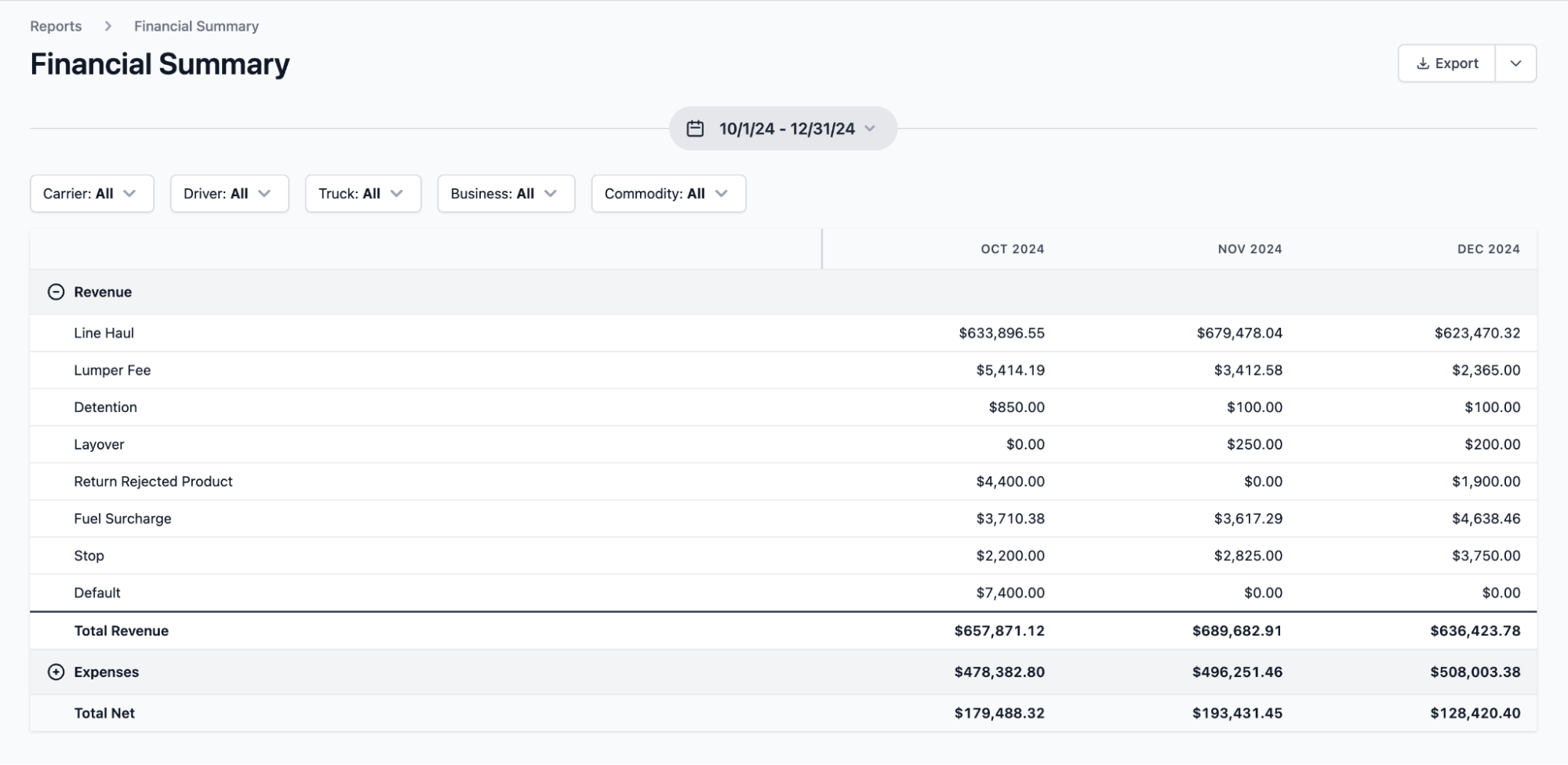
For small trucking companies, profitability often comes down to small details like job volume per truck, turnaround time at job sites, driver productivity, and how consistently work turns into billable revenue.
But when these metrics aren't actually visible, or they're being tracked the wrong way, it's difficult to gauge overall operational performance.
Toro’s reporting tools are designed to give small trucking companies live visibility into how the business is performing, using operational data that updates as jobs are dispatched and completed.

With Toro, you can:
- Track profitability by customer, job, or route. You can quickly identify which accounts generate consistent returns and which ones create delays or extra costs. For instance, a small fleet might notice that one local customer’s jobs regularly tie up a truck for half the day, while another customer’s jobs allow two or three runs in the same timeframe.
- Monitor cost per job as work is completed. Teams can use real-time data tied to driver time, equipment usage, and job duration to identify situations where a job that looks profitable on paper ends up costing more because a truck sits longer than expected or runs fewer jobs than planned.
- Measure detention time and its impact on operations. See where drivers are regularly waiting longer than planned, how those delays affect daily job counts, and which customers or sites are contributing to lost time and reduced productivity.
- Compare performance across drivers and trucks. Toro lets you spot patterns in daily output, so it's possible to see if one truck consistently completes fewer jobs per shift than similar trucks. This highlights issues with the driver's performance, routing, schedule, or equipment constraints.
- View a clear financial summary of your business. Toro's financial reports are built to matter most to small trucking companies. You can review revenue by service type, compare seasonal performance, or isolate cost trends tied to specific types of work.
- Reduce empty miles with automated mileage tracking. See which trucks are moving without revenue so you can identify routes with excessive deadhead miles and adjust planning to improve overall efficiency and fuel spend.
Get started quickly with hands-on onboarding built for small trucking operations
Implementing new software into daily operations can be a major headache, especially for small trucking companies with limited time and resources. That's often more evident in companies where teams rely on multiple tools for different tasks, like one system for scheduling, another for accounting, and others for tracking jobs or paperwork.
Toro makes onboarding more personalized for customers. Instead of using PDF setup guides or self-serve tutorial videos, our team will tailor the onboarding process to how your operation actually runs.
The Toro team works directly with dispatchers, accounting teams, drivers, and managers to walk through real workflows and ensure each group knows how to use the system effectively from day one.
This hands-on approach helps teams adopt the software faster and avoid the confusion that often comes with rolling out new tools across multiple roles.
Our support team is also available during business hours from 9 a.m. to 9 p.m. ET and responds to new requests within 30 minutes, so you can get quick answers if you have any issues.
Looking for software that actually fits how your trucking company operates? Book a Toro TMS demo to learn more.
TMS software for small trucking companies: Alternative options
If you’re looking for a full TMS to manage dispatch, drivers, and billing in one place, the tools below may be a good fit.
These tools can match the needs of small companies because they offer end-to-end workflows from dispatch through billing, and they’re typically built for small teams.
2. Truckbase

Truckbase is a cloud-based TMS that offers core dispatch, invoicing, and driver management tools for small fleets. The interface is simple, and small trucking businesses report that it's easy to use with a lower learning curve.
Key features include:
- Centralized dispatch and load management tools
- Driver and equipment management
- Integrated invoicing and payments
- Document and record organization
- Basic operational reporting and insights
Truckbase does not publicly disclose pricing and typically offers custom plans based on fleet size and feature needs.
3. AscendTMS

AscendTMS offers a free basic plan, making it a popular choice among owner-operators and small trucking companies.
However, you'll need to upgrade to a paid plan if you want to unlock all tools, including load management, dispatch, accounting, driver communication, real-time tracking, and ELD integrations.
Key AscendTMS features include:
- Full load and dispatch management with built-in routing and status updates
- Billing, settlements, and accounting capabilities
- Live driver tracking and internal messaging tools
- Financial and operational reports
Paid plans for AscendTMS start at $49 per user per month, while the most extensive plan costs $149 per user per month.
4. Truckstop ITS Dispatch

Truckstop ITS Dispatch is a cloud-based TMS used by many carriers with a handful of trucks that want a basic system for dispatch, invoicing, and driver settlements.
The software includes an integration with the Truckstop load board, financial tools, and flexibility to scale as your team grows.
Key Truckstop ITS Dispatch features include:
- Load creation and dispatch for small fleets
- Driver settlements and customer invoicing
- Basic reporting and job tracking
- Integrated access to Truckstop’s load board
Pricing starts around $50 per month for owner-operators, with higher tiers available for additional features and reporting.
5. TruckLogics

TruckLogics is a TMS that supports trucking companies of all sizes, including small fleets that want dispatch, accounting, and compliance tools in a single system.
While the available tools are well-suited for smaller companies, the interface and setup can feel more complex for smaller teams that don’t need advanced accounting or compliance workflows.
Key features include:
- Dispatch and route planning
- Driver tracking, fleet management, and payroll support
- Invoicing, accounting, and financial reporting
- IFTA, fuel tax, and compliance tools
- Document management and operational reporting
TruckLogics offers a 7-day free trial. Pricing starts at $39.95 per month for owner-operators and increases based on fleet size and feature requirements.
Read more: What’s the best TMS software for your trucking company?
Dispatch, scheduling, and fleet management software for small trucking companies: 4 options
If dispatching and scheduling are your biggest challenges, specific dispatch-focused software can help. These tools help small trucking companies assign jobs, manage schedules, and track drivers throughout the day without extra unneeded features.
Below, we list some top options for teams that want better visibility while keeping back-office work in separate systems.
6. Onfleet
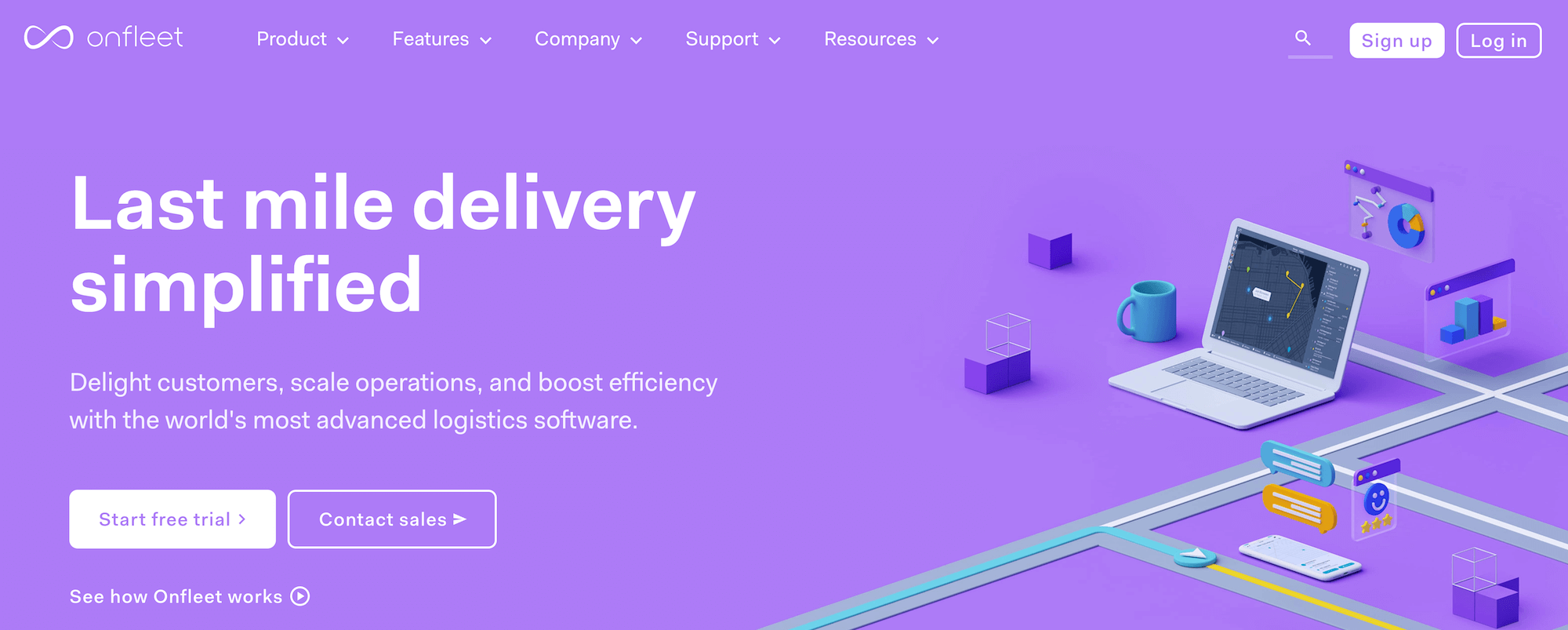
Onfleet is a dispatch and delivery management platform commonly used by small, local fleets running high-volume, short-distance jobs.
It doesn't function as a full TMS, but it can help smaller trucking companies manage daily dispatching, driver tracking, scheduling efficiency, route visibility, and proof of delivery.
Key Onfleet features include:
- Real-time job dispatch and assignment
- Live driver location tracking and ETAs
- Route optimization and schedule adjustments
- Driver communication via mobile app
- Proof of delivery capture
Onfleet pricing starts at $599 per month, with more expensive plans that scale with your fleet.
Read more: Truck dispatch spreadsheet template (+ How to cut data entry)
7. Motive
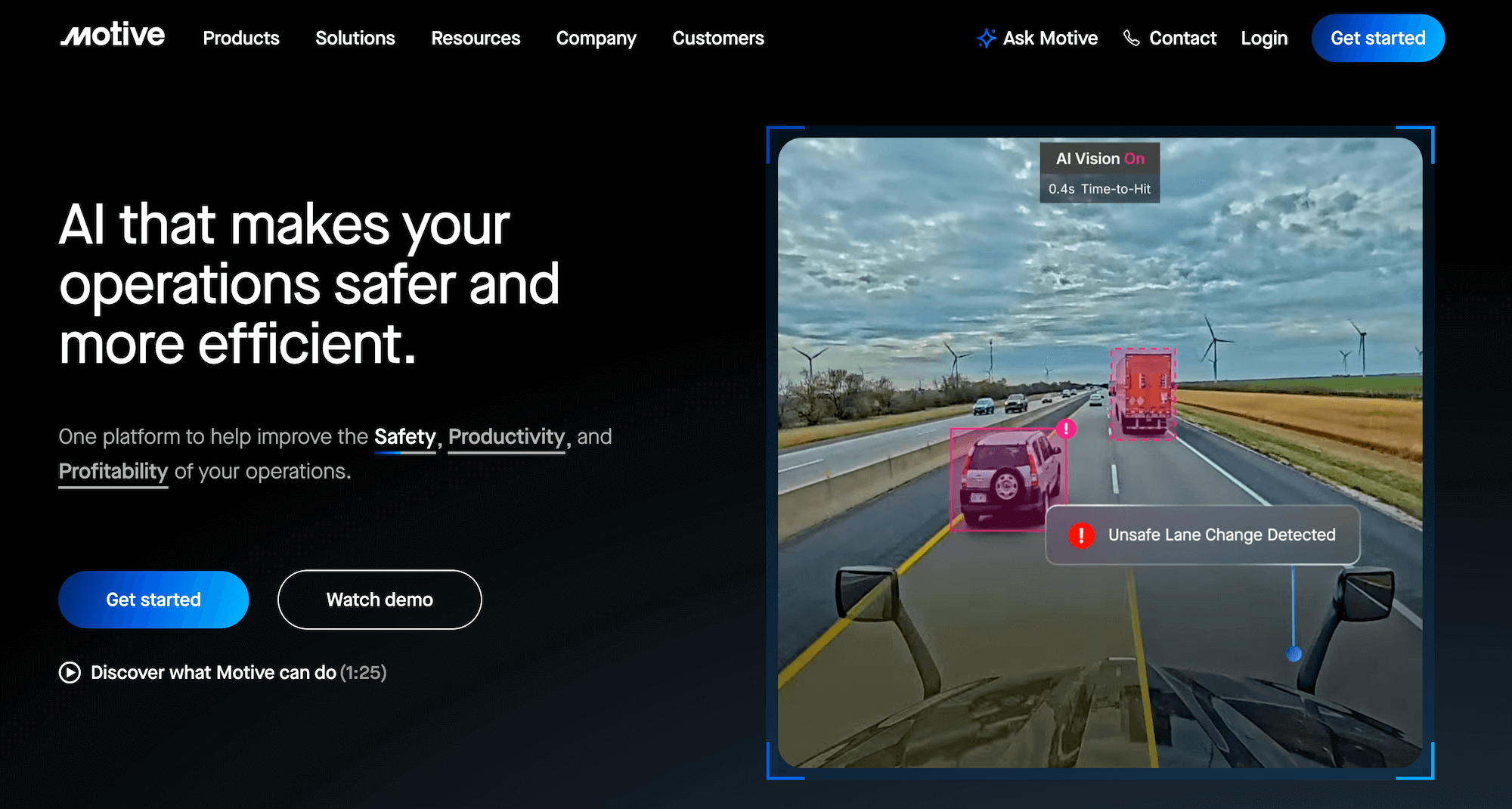
Motive (formerly KeepTruckin) is best known for its ELDs and GPS tracking, but it also offers dispatch and scheduling tools for small and mid-sized trucking companies.
Motive is typically used alongside a separate TMS or billing system, rather than as an all-in-one solution. But it's a useful tool for small trucking operations that need better visibility into vehicle tracking and compliance data.
Key Motive features include:
- Dispatch visibility tied to real-time GPS tracking
- Driver messaging and alerts
- ELD and compliance integrations
- Trip and route visibility
- Basic fleet and performance reporting
Pricing for Motive varies by hardware and software bundles and is typically provided via custom quotes.
8. DispatchTrack
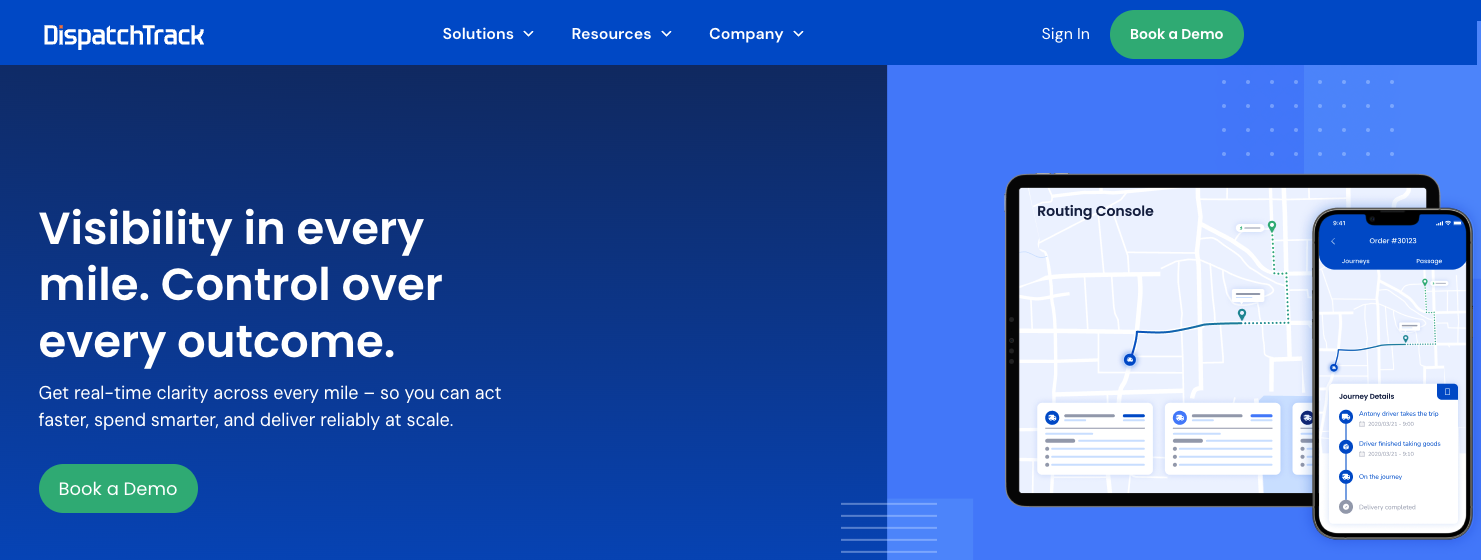
DispatchTrack is a scheduling and route optimization platform that simplifies multi-stop route planning. It's a popular choice for local and regional fleets that need strong planning and routing tools rather than full trucking management software.
It can optimize routes and adjust schedules in real-time, but billing, payroll, and accounting typically require separate systems.
Key DispatchTrack features include:
- Advanced route planning and optimization
- Real-time driver tracking and ETA updates
- Dynamic schedule changes throughout the day
- Proof of delivery and status updates
- Performance analytics and reporting
DispatchTrack does not publish pricing publicly and typically offers custom plans that require a personalized quote.
Read more: Dispatch management software: 3 questions to ask to choose the right tool
9. Rastrac
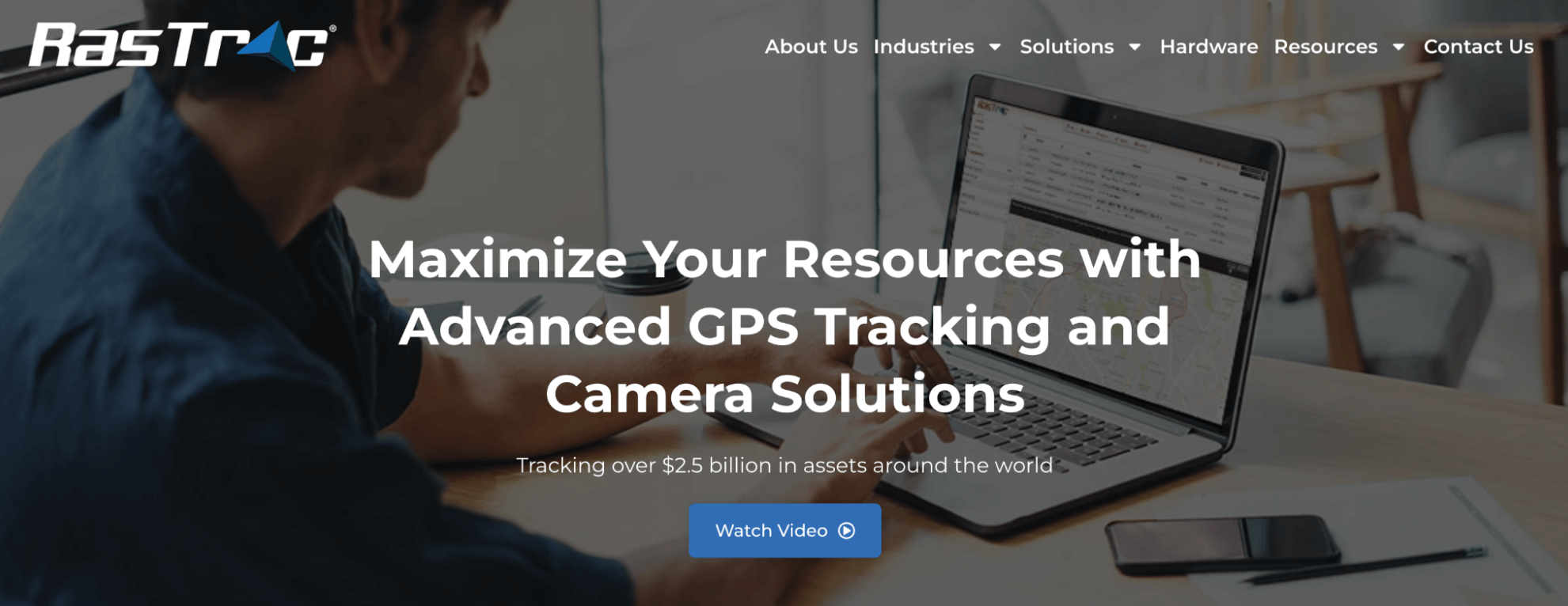
RasTrac is a GPS fleet tracking and telematics platform that helps trucking companies improve visibility, safety, and operational efficiency.
Designed for fleets of all sizes, the platform provides real-time vehicle tracking, driver behavior monitoring, and compliance support to help businesses reduce costs and streamline day-to-day operations.
Key features include:
- Real-time GPS vehicle tracking and route visibility
- Driver behavior monitoring (speeding, idling, harsh braking)
- Geofencing and custom alerts
- Fuel usage and maintenance tracking
- Compliance and ELD integration support
RasTrac does not publicly disclose standard pricing and typically provides customized quotes based on fleet size, hardware requirements, and feature configuration.
10. Get Fieldy
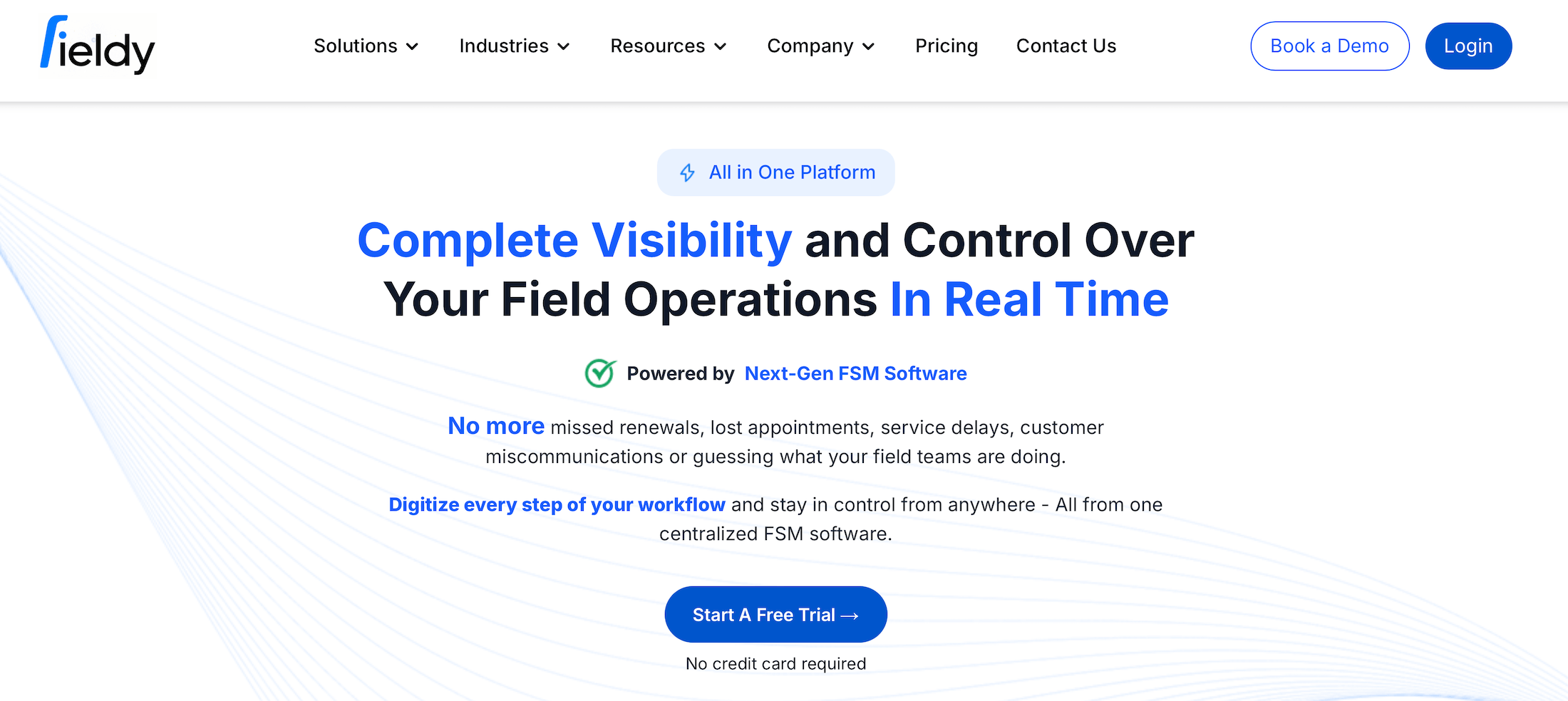
Get Fieldy is a field service management platform designed for contractors and service-based businesses that need tighter control over job scheduling, technician coordination, and field reporting. It’s especially useful for companies managing mobile crews, work orders, and recurring service jobs across multiple locations.
It’s not a transportation management system, but it complements logistics and operations workflows by helping businesses streamline field dispatching, automate job tracking, and improve visibility into technician performance.
Key Get Fieldy features include:
- Drag-and-drop job scheduling and dispatch
- Mobile app for field technicians
- Real-time job status tracking
- Digital work orders and service reports
- Photo capture and on-site documentation
- Automated invoices and customer updates
- Recurring job and maintenance scheduling
Get Fieldy offers tiered pricing based on the number of users and feature requirements, making it scalable for small teams through growing field operations.
Read more: Truck driver management system: 6 tools for better scheduling & communication
Billing and invoicing software for small trucking companies: 3 tools to consider
If dispatch is already handled elsewhere but billing and back-office work are slowing you down, billing or invoicing software alone may be the right fit.
Here are three options that work well for small trucking companies that want faster billing cycles and cleaner accounting without replacing their existing dispatch tools.
11. Rigbooks
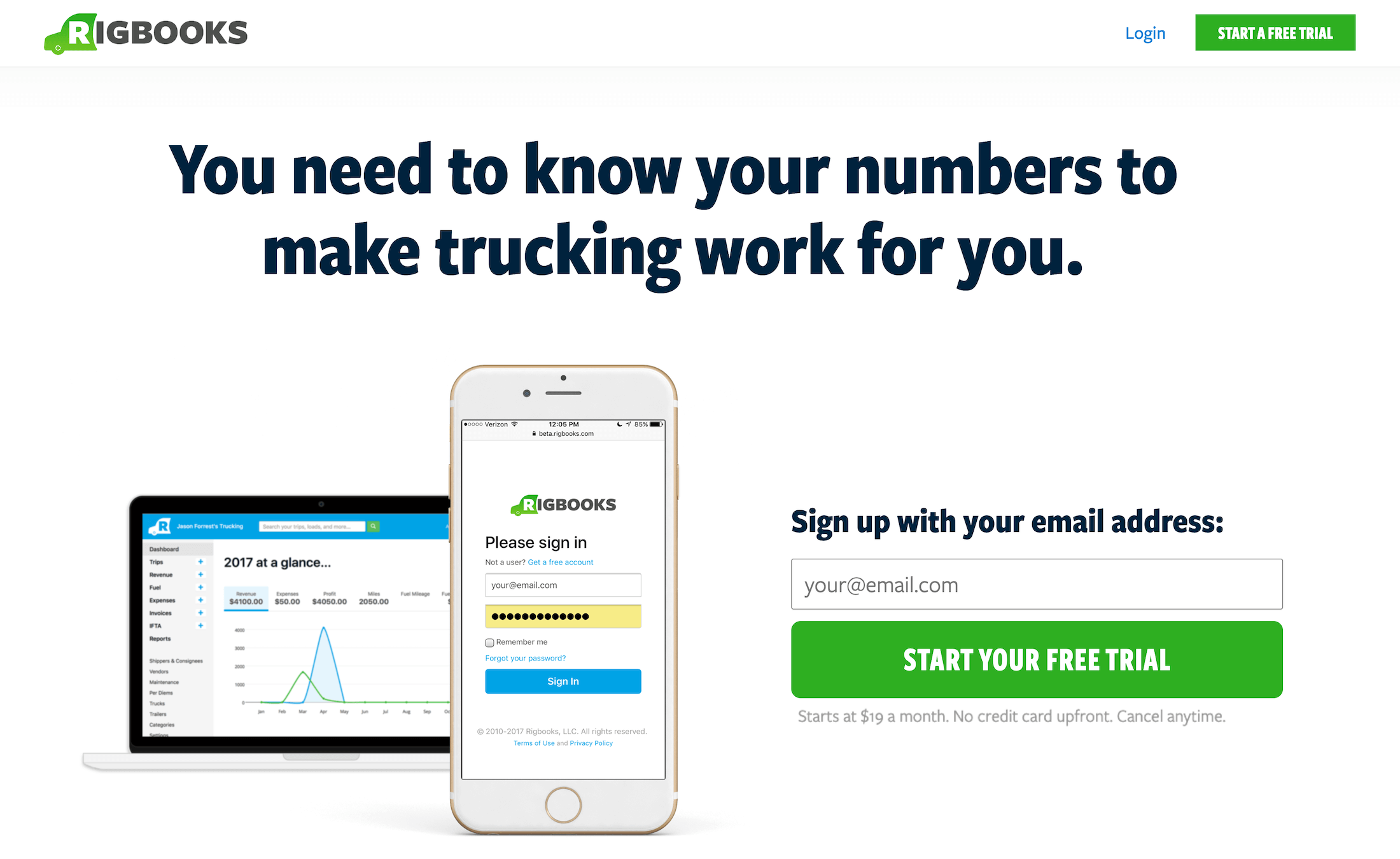
Rigbooks is an accounting and invoicing platform built specifically for owner-operators and small trucking companies.
It's often the choice of very small fleets that want a simpler alternative to spreadsheets or general-purpose accounting software. The platform handles core financial tasks like expense tracking, invoicing, billing, and payroll.
Key Rigbooks features include:
- Customer invoicing and payment tracking
- Expense and fuel cost tracking
- Basic driver settlements and payroll
- Profit and loss reporting
- QuickBooks integration
Rigbooks offers a free trial for new users. Monthly pricing plans start at $19 per truck per month for basic feature access.
Read more: Trucking accounting software: 5 best options to streamline back-office tasks
12. Axon Software

Axon Software is a fully integrated trucking management platform with dedicated accounting, invoicing, and payroll tools.
Small trucking companies typically choose Axon because it allows them to manage accounting and dispatch in a single system. It also includes fuel tax reporting and advanced financial reporting capabilities.
Notable Axon Software features include:
- Integrated invoicing, settlements, and financial reporting
- Comprehensive accounting and payroll tools
- Built-In dispatch and load management
- IFTA, fuel tax, and compliance reporting
- Document and record management
Axon does not publish pricing publicly and typically offers custom plans based on fleet size and features.
13. TruckingOffice

TruckingOffice is a trucking software platform that many owner-operators and small fleets use primarily for billing, settlements, and back-office accounting.
While it includes basic dispatch functionality, it's more useful for managing invoices, tracking expenses, processing driver pay, and preparing fuel tax reports.
Key TruckingOffice features include:
- Customer invoicing and payment tracking
- Driver settlements and payroll support
- Expense tracking and profitability reporting
- IFTA and fuel tax calculations
- Basic dispatch and load tracking
TruckingOffice pricing starts at around $20/month for owner-operators (1-2 trucks) and increases based on company size and total number of trucks.
Read more: Trucking payroll software: 5 options for effortless driver pay
Toro TMS: The best trucking software for small companies
Many tools for trucking companies can handle dispatching, invoicing, or scheduling, but they're not necessarily the best choice for small trucking operations. That's because they’re simply not very easy to use.
Toro TMS brings dispatch, driver communication, document collection, billing, payroll, and reporting into a single system designed for short-haul, job-based trucking companies.
With Toro, you can:
- Run daily dispatch more efficiently using flexible tools that support frequent job changes and real-time driver availability.
- Keep drivers on schedule without complicated apps by sending job details and collecting paperwork through simple text messages.
- Shorten billing cycles and simplify payroll by generating invoices and driver pay directly from completed jobs.
- Reduce administrative workload by keeping dispatch data connected to billing, accounting, and reporting in one place.
- Maintain real-time visibility into performance with up-to-date insight into jobs, drivers, trucks, and overall profitability.
Schedule a free demo today to find out how Toro TMS works for small trucking companies.