


If you’re looking for trucking payroll software, you’re likely trying to:
- Reduce the hours you spend creating driver settlements each week.
- Bring all the information you need to process driver pay into one place, such as your truck drivers’ pay preferences, whether they’re contractors or employees, and the mileage and weight data for each load.
- Find an easier way to stay compliant with IFTA, DOT, and other local taxes, then integrate everything with QuickBooks accounting software or invoicing systems.
Many trucking companies turn to payroll software providers like QuickBooks, Gusto, or ADP expecting a fix for these challenges. These tools are great at what they're built for: paying drivers, withholding taxes, and filing payroll forms once you know what each driver has earned. But they're not very helpful for actually calculating those amounts in the first place.
That’s because generic payroll tools aren’t made with the trucking industry in mind, meaning they lack essential features you’ll need as a trucking company. Critically, they have no concept of a truckload, so they don’t capture specific details such as mileage, weight, or per-load rates. You’ll still need to track and calculate these figures manually before inputting them into your payroll tool to issue payments.
To solve this issue, you need a trucking management software (TMS) that can capture all the relevant load details and make them available for payroll.
However, most trucking software is just too difficult to use, so dispatchers and drivers end up not using it. This is a real issue given they’re the ones who gather the load and ticket information in the first place, which means payroll teams need to enter all of those details manually instead.
With Toro TMS, trucking companies can save 70% of time on back office tasks like payroll.
In this guide, we’ll show how our platform is built to be really easy for dispatchers and drivers to use. In our software, all load and ticket information can be entered once and automatically carried through your teams’ entire workflow — from planning orders to paying drivers.
Then we'll compare 7 other options: four other TMS platforms with payroll features, and three payroll providers that work alongside a TMS.
Toro TMS handles driver settlements so you don’t have to. Discover how it saves your payroll team time — book a demo with our team today.
The two parts of trucking payroll: Calculating pay vs processing it
Trucking payroll has two separate jobs. First, you calculate what each driver earned from the loads they ran. Then you pay them, withhold taxes, and file payroll forms. Most trucking companies need software for both, and the two need to be connected.
- Calculating pay is a trucking problem. It depends on load data: how many loads each driver ran, the tons or gallons hauled, the miles driven, the hours worked, and each driver's pay rate and deductions. A TMS that captures this data at dispatch can calculate pay automatically and produce driver settlements.
- Processing pay is a general payroll problem. Once you know what each driver earned, a payroll provider such as QuickBooks Payroll, Gusto, or ADP handles direct deposits, tax withholding, and forms such as W-2s for employees and 1099s for contractors.
The mistake many fleets make is buying only one layer. A payroll provider on its own leaves someone in the office adding up tickets and mileage by hand every week. A TMS on its own still needs a way to pay drivers and file taxes. The fastest setup is a TMS that calculates pay from load data and passes the totals to your payroll provider without retyping.
Read more: TMS integrations: What to look for as a bulk hauler
Trucking payroll software compared
Here's how the 8 options compare across both layers of trucking payroll:
1. Toro TMS: Top trucking software for bulk haulers

Toro TMS is one of the only platforms built for dry and liquid bulk haulers with fleets of 15-100 trucks. It’s designed for the specific needs of trucking companies that manage high numbers of loads per truck per day.
Below, we’ll dig into how we help you save time on payroll by enabling you to:
- Centralize data so dispatchers only have to enter load information once, letting back office teams instantly access the same info for payroll without repeat entry.
- Create driver settlement PDFs with load-by-load earnings and deductions included for instant review.
- Calculate subhauler pay from the same load data as your own drivers.
- Export load-based pay data to QuickBooks or other third-party services while maintaining IFTA and tax compliance.
We’ll also touch on other accounting tasks, including how Toro helps you to:
- Analyze driver pay through industry-built reporting for better insights into profitability and company performance.
- Automate invoicing for accurate driver pay and quicker billing.
Collect all the load data you need to pay drivers in one place
To pay drivers and create driver settlements, your payroll teams need accurate information about every load each driver has carried. They’ll need to gather this information manually if you’re not using some kind of trucking software already. But even if you are using a TMS, this only saves time for payroll if load details are accurately entered and updated in the system.
Typically, though, this just doesn’t happen — mainly because most TMS tools are just too complicated to use. For instance, most TMSs require the same information, like pickup points or tonnage, to be entered four or five times per load. Then, when changes need to be made to the load, the new information needs to be re-entered from scratch. This becomes extremely time-consuming for bulk haulers who are managing as many as eight loads per truck per day.
Toro solves this issue by providing a system based around a centralized load data. In Toro, dispatchers can create a load and enter the relevant data just once — all on a single screen. That data is automatically and instantly available to your back office teams to perform tasks like driver pay calculations. Once the load data is in Toro, all relevant fields are automatically updated with that information.

With Toro, everything starts with dispatch. When creating a load, dispatchers enter data that everyone else in the company can use. The main dispatch screen on the dashboard allows you to:
- Create load templates for recurring orders: Instead of re-entering details like pickup locations, tonnage, or rates each time you create a new load, store them once as a template and reuse the same info for repeat orders.
- Edit load details in real-time: Updates sync instantly to driver payroll calculations as you adjust load information in real-time. For instance, changing a load’s tonnage will automatically refresh in driver settlements without the need for manual re-entry.
- Assign loads to available drivers: Toro’s dispatch screen allows you to see driver availability right alongside load data. It’s an easier way to monitor driver schedules and allows you to assign each load to an available driver without manual tracking.
- Track loads with ELD integrations: Monitor driver progress live as ELDs feed mileage and hours directly into each load. This allows you to deliver exact figures to payroll for settlements, such as total miles or hours, with no extra time tracking tools required.
You can find out more about Toro’s dispatch features here: How to Choose a Dispatch Software for Trucking Your Teams Will Actually Use
However, dispatch efficiency only works if drivers stay in the loop, too. While most TMS tools force drivers to download mobile apps to receive dispatch instructions (which they often don’t want to use), Toro TMS lets dispatchers send load instructions straight to drivers’ phones via text — no log-ins or downloads required.
Each assignment arrives preloaded with key details (such as customer names, pickup times, and delivery points) and dispatchers just need to hit send.

Drivers also get a unique link in each text message to upload photos of scale tickets, bills of lading, and delivery confirmations so they’re stored centrally with the rest of your load details.
All your drivers need to do is click the link, snap a photo of the document, and click “submit.” Then, our software automatically extracts data like tonnage or miles from these uploads and adds it to the corresponding order.
This way, your back office teams have all the information they need in one place in order to process payroll — without the need for any further data entry at all. Thanks to Toro’s centralized load data structure, all relevant information is easily accessible to everyone who needs it.

Read more: Trucking Ticket Management Software: How to Better Manage Your Paper Tickets
Link driver pay profiles with every load to simplify pay calculations
Once all your load information is in Toro, the next step is to determine how each driver should be paid. Pay calculations depend on several things, such as:
- The driver’s preference to be paid by mile, weight, or hours worked.
- Whether they’re employees, contractors, or sub-haulers.
- If their settlements should include fuel deductions.
- Any employee benefits or personal agreements they have with your company.
Toro simplifies all of these pay agreements by using driver profiles that make pay calculations clear and automatic. Every driver has a profile that stores specific pay details, such as how each driver is paid and other payroll details, along with their availability and HR information.

As dispatch logs loads with mileage from ELD sync, tonnage from tickets, and hours tracked, Toro pulls these profile settings and matches them to the load data so our software can calculate pay automatically. Then, it generates a clear PDF summary (with earnings, deductions, and net pay) and sends it straight to the driver's phone for review.
By linking pay profiles directly to loads, Toro offers an automated way to ensure all earnings and deductions are accurate. It also reduces the time payroll needs to spend on driver settlements, cutting the risk of pay disputes with drivers.
Read more: Truck driver management system: 6 tools for better scheduling & communication
Pay subhaulers from the same load data
Many bulk haulers bring in subhaulers when work picks up, and paying them is often the messiest part of payroll. Their loads are tracked outside the main system, so someone has to match paper tickets to rates at the end of the week.
Toro's Carrier Portal brings subhaulers into the same workflow as your own trucks. Subhauler loads are dispatched from the same board and captured the same way, so subhauler settlements are calculated from the same load data as your own drivers' pay.
Read more: Driver subcontractor management software: 6 tools for trucking & construction hauling
Send pay totals to your payroll provider without retyping
Toro calculates what each driver earned. Your payroll provider then pays them, withholds taxes, and files payroll forms. The two work best when pay totals move from one to the other without anyone rekeying them.
That's how Acme Resources, a Youngstown, OH-based fleet hauling concrete, sand, gravel, and limestone, runs payroll. Toro calculates pay from each driver's loads, and Acme processes payroll for its W-2 drivers through ADP. As Cindy from Acme's team shares, "Drivers see exactly what they ran each week. Payroll processing for our W-2 drivers through ADP is faster with Toro's clean reporting."
If you use QuickBooks, Toro syncs settlements and payroll data directly, as covered below.
Generate trucking-specific reports to uncover more actionable insights
Generic payroll software doesn’t offer tools for tracking driver mileage, load tonnage, and other details, so you can’t generate highly detailed trucking-specific reports to track revenue, expenses, or profitability. Relying on those generic tools leaves you blind to how specific loads, drivers, or routes impact revenue and costs, turning payroll optimization and operations into guesswork.
On the other hand, a TMS with advanced reporting capabilities — such as Toro TMS — allows you to see which drivers are most profitable or whether paying by mileage, hour, or tonnage is better for your business. For instance, you may notice that paying drivers by the mile is more profitable than paying them by the ton, regardless of load type.
Toro TMS makes it easy for managers and business owners to get these insights with reports built for trucking. Specifically, you can:
- Analyze driver pay and profitability, breaking down earnings by pay setup, load, truck, or customer to spot top performers
- Track mileage trends, including miles driven empty, to refine routes and reduce fuel costs tied to IFTA and deductions
- Export custom reports, like commodity reconciliations, to adjust billing or payroll discrepancies
These reports tie load-level details to financials, offering your trucking company clear data to boost efficiency and profits.
Read more: IFTA mileage tracking software: 4 options and how they compare
Automate invoices and declare fuel tax alongside your payroll
Alongside driver pay, you can also use Toro to create invoices and declare how much you owe on IFTA. Just like with payroll, these features are automated, so you have the data you need wherever you need it — without having to reenter it manually.
For example, after a load gets delivered and all of your accurate documentation is collected, back office teams can file an invoice without having to track down key details like mileages, BOL numbers, and driver pay details. Simply click “Create invoice,” and our system will automatically generate ready-to-send paperwork.

Our software also uses ELD integrations, state mileage tracking for loads, and fuel transaction history to generate accurate IFTA tax filings without manual entry.
If you’re using QuickBooks for trucking, Toro also offers an integration that makes it really easy to export settlements and sync all your payroll and IFTA data to make bookkeeping effortless. Not only does this integration auto-populate the correct payroll, invoice, and tax information into QuickBooks, but it also automatically maps charges to the right accounts so your books stay current — ensuring you don’t need to copy anything over again.
Toro TMS cuts the hassle of payroll, invoicing, and IFTA so you can focus on growing your trucking business. Book a demo to see how it works for you.
Other TMS options with payroll features
The four tools below also calculate driver pay from load data, so they cover the first part of managing trucking payroll. Most still rely on a payroll provider to pay drivers and file taxes.
2. Truckbase

Truckbase is a trucking software solution that streamlines payroll processes with driver pay and settlement tools for small to mid-sized carriers. It also syncs with external payroll and accounts tools. However, it's not suitable for fleets with less than 10 trucks, service shippers, or brokers.
Key Truckbase features include:
- Driver settlement tools that gather load-based earnings for easy payroll management and export
- Real-time ELD integrations (e.g., Samsara, Motive) to deliver accurate mileage and hours for pay calculations
- Customer invoicing portal that aligns load revenue with driver pay data, simplifying the process of preparing settlements
- AI-powered load builder capabilities
Truckbase doesn't list prices publicly. Its pricing page offers per-truck, per-driver, per-load, flat annual, and custom plans, with exact pricing provided through a quote.
3. Axon Software
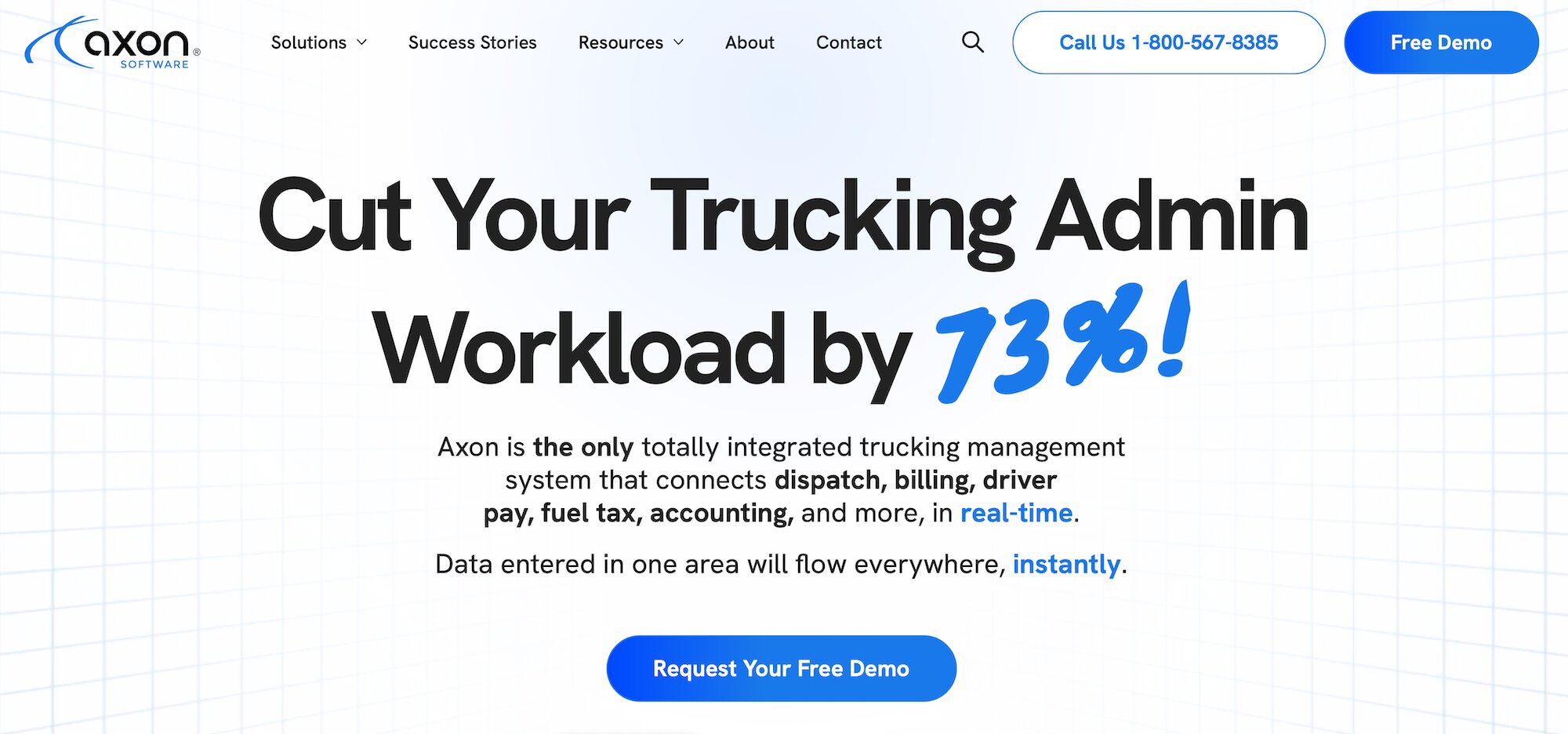
Axon Software is a trucking management system that automates payroll tasks for freight haulers by automating pay calculations for drivers, owner-operators, and staff.
It's primarily used by specialized fleets that need additional accounting features like government forms and reports for payroll (W2, W3, 1099, T4, T4As), as well as multiple currency support.
Top Axon Software payroll features include:
- Automated payroll calculations for varied setups (wages, expenses, multiple equipment)
- One-click generation of government forms (W2, W3, 1099, T4, T4A)
- Real-time load-to-payroll syncing and ACH direct deposit
- Live data syncing across dispatch, billing, and payroll
- Fleet management tools, including GPS tracking and maintenance scheduling
Because Axon handles both layers of payroll in one system, it suits larger fleets that want to avoid a separate payroll provider. That breadth can also make it heavier to set up than tools built for one type of trucking.
Axon Software does not disclose pricing, offering custom plans only.
Read more: Axon trucking software: Reviews, pricing & alternatives
4. AscendTMS

AscendTMS is a trucking software that includes payroll tools for trucking companies and brokers. It was long known for a free plan, but it no longer lists one on its pricing page, and it now offers a 30-day free trial instead.
The software is primarily used by freight brokers, 3PLs, trucking companies, and shippers. However, it’s best for small businesses just starting out with digital trucking tools.
Notable AscendTMS features include:
- Payroll tools for calculating settlements and driver pay
- Automatic linking of texted proof of delivery (POD) to loads
- Built-in accounting tools for tax calculations, invoicing, settlements, and profit analysis
- Real-time reporting with ELD tracking
AscendTMS offers three additional pricing tiers:
- Basic: $69 per user per month
- Premium: $119 per user per month
- Pro: $149 per user per month
5. McLeod Software

McLeod Software is an enterprise-grade trucking software that provides a suite of payroll and trucking management features for larger fleets. You can access the platform’s extensive accounting tools through its LoadMaster module, which includes automated driver pay and settlement calculations.
Because it's built for large enterprise fleets, it's an expensive and more complicated solution, especially for non-technical users. McLeod Software’s best payroll software features include:
- Automated driver pay calculations across multiple pay types
- LoadMaster settlement tools for driver statements
- LoadMaster Driver Choice to record load preferences
- Third-party integrations with accounting and payroll systems
- Rapid Alert Notification System (RANS)
- Built-in KSM benchmark reporting
McLeod doesn’t disclose pricing, offering custom enterprise plans only based on individual business needs.
Read more: McLeod Software competitors: 7 alternatives for trucking companies
Payroll providers that work alongside a TMS
The tools below handle the second part of trucking payroll: paying drivers, withholding taxes, and filing payroll forms. None of them calculates pay from load data on its own, so they work best when fed with pay totals from a TMS.
6. QuickBooks Workforce

QuickBooks Workforce, formerly QuickBooks Payroll, is Intuit's payroll and HR platform for small businesses. It's the natural choice for trucking companies that already keep their books in QuickBooks, since payroll, invoicing, and accounting sit in one ecosystem.
Key features include:
- Full-service payroll with automatic tax calculation and filing
- Direct deposit for employees and contractor payments
- Integration with QuickBooks Online accounting
QuickBooks Workforce plans start at $50 per month plus a per-employee fee, with higher tiers adding faster deposits and more support. There's no annual contract.
How it works with a TMS: Toro TMS syncs settlements and payroll data to QuickBooks, so driver pay calculated from load data flows into your books without retyping.
7. Gusto

Gusto is a payroll, benefits, and HR platform for small and growing businesses. It's a popular choice for small trucking companies that want straightforward payroll alongside benefits for office staff and drivers.
Key features include:
- Unlimited payroll runs with automatic federal and state tax filing
- Payments for both W-2 employees and 1099 contractors
- Benefits administration and HR tools
Gusto's Simple plan starts at $49 per month plus $6 per person for single-state payroll. The Plus plan, at $80 per month plus $12 per person, adds multi-state payroll, which matters if your drivers or office staff are based in more than one state.
How it works with a TMS: Gusto needs each driver's gross pay for the period. A TMS that calculates pay from loads gives you those totals ready to enter or import, instead of adding up tickets by hand.
8. ADP RUN
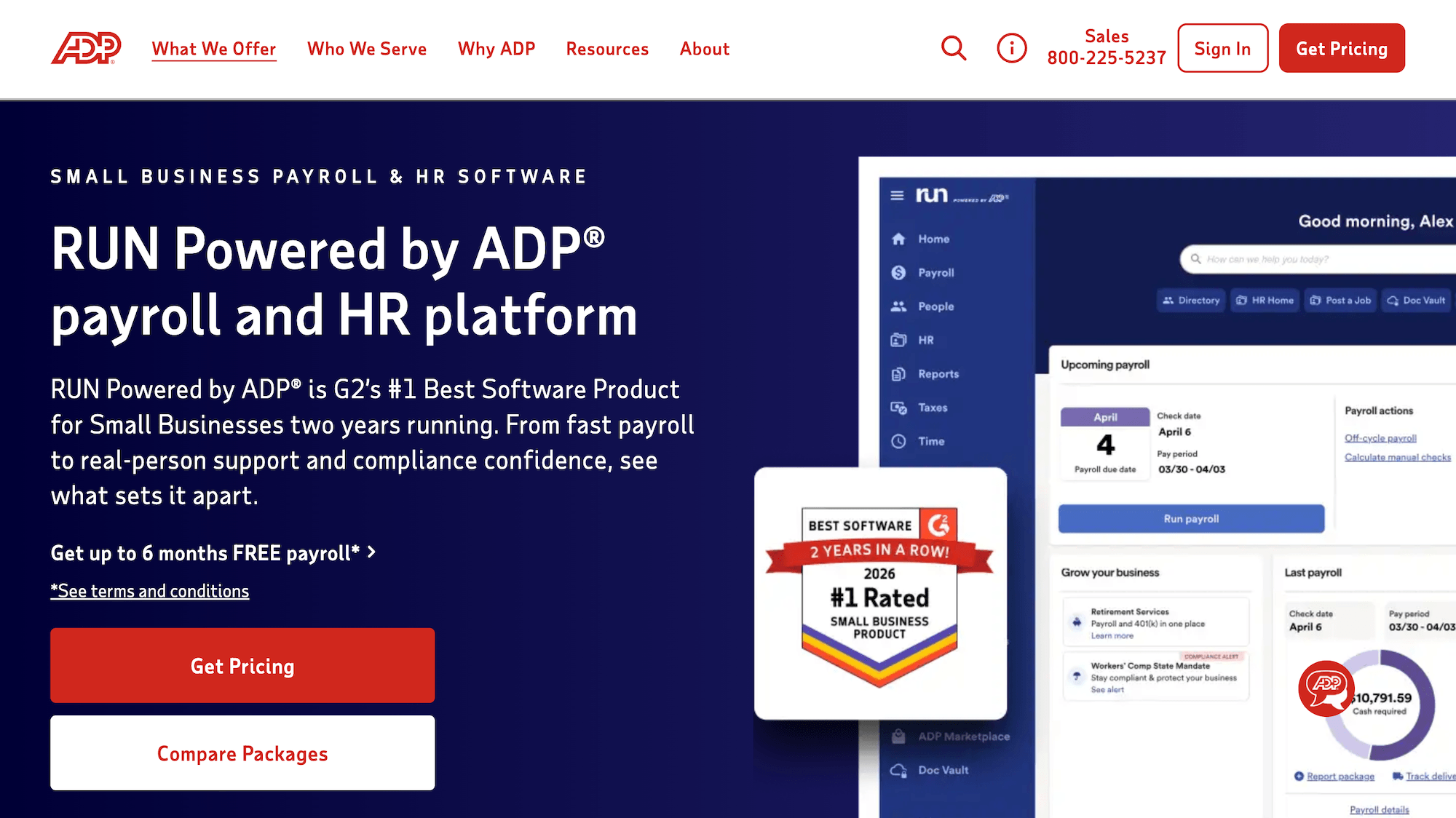
ADP RUN is ADP's payroll platform for small businesses. ADP is one of the most established payroll providers in the US, and RUN suits trucking companies that want payroll backed by strong HR and compliance support.
Key features include:
- Payroll processing with tax calculation and filing
- Direct deposit and pay cards
- HR tools, including onboarding and compliance support
ADP RUN pricing is provided by quote, based on your headcount and the features you choose.
How it works with a TMS: Toro’s customer, Acme Resources, uses exactly this setup. Toro calculates pay from each driver's loads, and Acme runs payroll for its W-2 drivers through ADP using Toro's pay reports.
Toro TMS: The trucking payroll software for bulk haulers
In this guide, we've examined eight trucking payroll options across both layers of payroll: TMS platforms that calculate driver pay from load data, and payroll providers that pay drivers and file taxes.
The best choice depends on your business, but if payroll and manual processes are slowing you down, Toro TMS stands out. With Toro, you can:
- Eliminate repetitive data entry to speed up payroll processing
- Automate driver settlements with load data
- Track pay trends and determine which drivers or pay methods are most profitable
- Get faster driver settlement approvals
- Reduce time spent on invoicing and IFTA time
We’ll simplify the setup process with in-person onboarding at your office. Plus, our support team is always available when you reach out — we’ll reply within 30 minutes from 9 am to 9 pm ET.
Ready to throw away your outdated payroll methods and see how Toro can work for you? Book a demo with us today.

