.png)




If you're a trucking company running high daily load volumes, staying compliant with Department of Transportation (DOT) and Federal Motor Carrier Safety Administration (FMCSA) rules is usually less about understanding the regulations and more about keeping the records straight.
The rules are clear about what documentation to keep and how fast to produce it. The trouble is that those records usually live in too many places, so when an auditor asks for proof and your team can't find it fast, that's where fines, failed audits, and CSA score damage come from.
The right trucking compliance software pulls those records into one place and keeps them ready to produce on demand. It should:
- Capture documents and load details once at dispatch. Load details entered once at dispatch should flow downstream to billing, payroll, and reporting, and any document a driver uploads should attach to the right load on its own. When capture is manual, records get misfiled or lost, and that's exactly what surfaces as a gap during an audit.
- Keep every compliance record in one searchable system. Inspection reports, BOLs, scale tickets, fuel receipts, and driver documents should be stored in the same system together and tied back to the load or driver they belong to, so a missing or unsigned document doesn't surface for the first time during an audit.
- Pull HOS and mileage straight from your electronic logging device (ELD). Hours of service is one of the most cited violation types, even with ELDs in place, because investigators cross-check log data against fuel and GPS records. Software that reads your ELD data directly removes the manual gaps that get flagged.
- Track expiring driver credentials before they lapse. Medical cards, CDLs, annual MVRs, and reviews expire quietly. The right tool flags them ahead of time, so an unqualified driver never ends up on the road.
- Build IFTA and other reports from data you already captured. Jurisdictional miles and fuel purchases should automatically generate ready-to-file reports without requiring any manual entry into a spreadsheet at quarter close.
In this guide, we break down the six best trucking compliance software tools and what each one does best.
We start with Toro TMS, our own trucking management software, and explain how trucking companies use it to:
- Keep BOLs, PODs, scale tickets, and DVIRs tied to the right load and ready to produce for an audit
- Track hours of service and mileage automatically using ELD integrations
- Build compliant IFTA reports from jurisdictional miles without manual mileage logs
Want to handle trucking compliance tasks more efficiently? Schedule a demo today with Toro TMS to learn more.
Toro TMS: Trucking software with built-in compliance recordkeeping for bulk haulers

Toro TMS is designed for bulk haulers who manage a high volume of loads per truck per day and need their compliance records tied to every part of their business.
Rather than storing documents manually in one place, hours and mileage in an ELD portal, and IFTA data in a spreadsheet, Toro keeps the records each load generates in a single system, captured once and automatically attached to the right load.
With Toro, you can:
- Capture BOLs, scale tickets, PODs, and DVIRs from drivers and attach each one to the correct load
- Pull live driver hours and truck locations into dispatch through built-in ELD integrations
- Assign loads only to drivers who have the legal hours to run them
- Keep driver and vehicle records in one searchable system, ready to produce for an audit
- Build IFTA and HOS reports automatically from connected ELD and load data
- Stay ahead of maintenance and inspection schedules with service-interval alerts
Built-in recordkeeping means the proof you need for an audit is captured as work is done, rather than having to reconstruct it after the fact.
Toro treats every document and ELD reading as part of the load record, so the same data is captured once and flows downstream to compliance, billing, and reporting.
Below, we'll explain how Toro keeps your compliance records organized and audit-ready while cutting the time your team spends on back-office tasks by up to 70%.
Capture documents at the point of delivery and sync them to the right load
For most fleets, the documents you need to maintain compliance often arrive late, out of order, or not at all. That's because drivers hold onto scale tickets, BOLs, and delivery confirmations until the end of a shift or the end of a week. And by the time the paperwork reaches the office, someone has to match each document to the right load by hand.
Anything that gets lost, damaged, or never turned in leaves a gap in your records, and this can surface when DOT requests a file during an audit or a customer disputes a delivery months later. By then, the document is gone, and there's no way to recreate proof of something that was never captured.
Most trucking software makes this worse by forcing drivers to download a mobile app to submit documents. Drivers forget to download it, get logged out, or never open it, so the paperwork ends up back on paper, and the office is left chasing it down.
Toro handles document capture automatically via text message instead. Once a job is completed, the driver takes a photo of the scale ticket, BOL, or delivery confirmation from their phone via a secure link, and Toro reads the key details from it and automatically attaches the document to the correct load.

That same text is how dispatch sends the driver everything they need for the load in the first place. Each text includes:
- Where to pick up and drop off, with full address details for each stop
- What they're hauling, including commodity type, quantity, and tonnage
- How to handle the site, including gate access, check-in info, and unloading instructions

With built-in document capture, all paperwork gets tied to the correct record in the system the moment a driver submits it. So once a job closes, back-office teams have everything they need for invoicing, payroll, reporting, and compliance.
Read more: Trucking ticket management software: How to better manage your paper tickets
Manage dispatching and daily operations from one centralized dashboard
Trucking companies need to build their fleet operations around dispatch, especially bulk haulers who manage dozens of loads per truck every day.
Those who create loads manually or track schedules across separate tools quickly realize how difficult it becomes to keep a clean record of each job. The load details are stored in one place, the documents in another, and the driver's hours in the ELD portal, so when an auditor asks for proof or the back office goes to close out a load, someone has to piece it all back together by hand.

Toro simplifies this by running dispatch from a single screen. Dispatchers create orders, assign drivers, adjust schedules, and check real-time availability and remaining hours in one place. Every load they create starts a centralized record for downstream tasks.
- Assign loads only to drivers who have the hours to run them. Live HOS data from your ELD flows into the dispatch board, so dispatchers can see remaining hours before assigning a load. Matching work to drivers who legally have the time to complete it prevents hours-of-service violations before they happen, rather than catching them during a log review after the fact.
- Create new loads from reusable templates to keep records consistent. For recurring customers or routes, dispatchers save the load once, and every detail gets pre-filled the next time, including delivery location, material type, and rate structure. Beyond saving time, consistent load data means the records each job generates are standardized rather than re-entered differently every shift, which is exactly what a clean audit trail depends on.

- Track every truck in real time with connected ELD data. Dispatchers can see live location, status, and remaining hours for each truck without leaving the dashboard or logging into a separate ELD portal. This makes it easier to cross-check against logs and fuel receipts for future DOT audits.
- Keep an accurate, timestamped record of every stop. Both auditors and customers want proof of when a truck arrived and left, and piecing that together from driver-reported numbers the next day is much more difficult. Toro pulls arrival and departure times straight from the ELD at each stop, so detention and on-site time are documented as they happen.
In Toro, the load created at dispatch becomes the record that everything else attaches to. The driver's documents, ELD hours, inspection reports, and mileage all tie back to that single job, captured automatically as the work happens.
That's what makes Toro easy for a busy fleet to run. Dispatchers manage the day from one screen, and compliance takes care of itself in the background, so when DOT asks for proof, there's nothing to reconstruct. The file is already built, complete, and tied to the job it belongs to.
Read more: Dispatch management software: 3 questions to ask to choose the right tool
Track hours of service and mileage through built-in ELD integrations
Hours of service is one of the most cited violation categories in trucking, and it stays that way even though ELDs are now mandatory.
The reason is that recording the hours is only half the job. During an audit or roadside inspection, investigators cross-check driver logs against fuel receipts, toll records, and GPS data, and any discrepancies between those sources get flagged.
The same goes for mileage, which has to hold up across IFTA filings, billing, and pay. When that data is stored in the ELD provider's portal and gets exported and re-entered by hand, every manual step is a chance for errors.
Toro removes those steps by pulling ELD data directly into the same system that runs dispatch and billing. Hours, duty status, location, and mileage flow in automatically and attach to the load they belong to, so the record dispatch works from is the same record an auditor would see.

Toro connects natively with the major ELD providers, including:
- Samsara
- Motive
- Omnitracs
- Geotab
Whichever system your fleet runs, the data comes in on its own with no exports or manual reconciliation. With ELD data built into Toro, you can:
- Keep mileage consistent. The same ELD-captured miles feed IFTA, billing, and driver pay, so the numbers always reconcile.
- Generate IFTA reports by jurisdiction. Toro tags every mile to the state it was driven in, so quarterly filings come from data you already have.
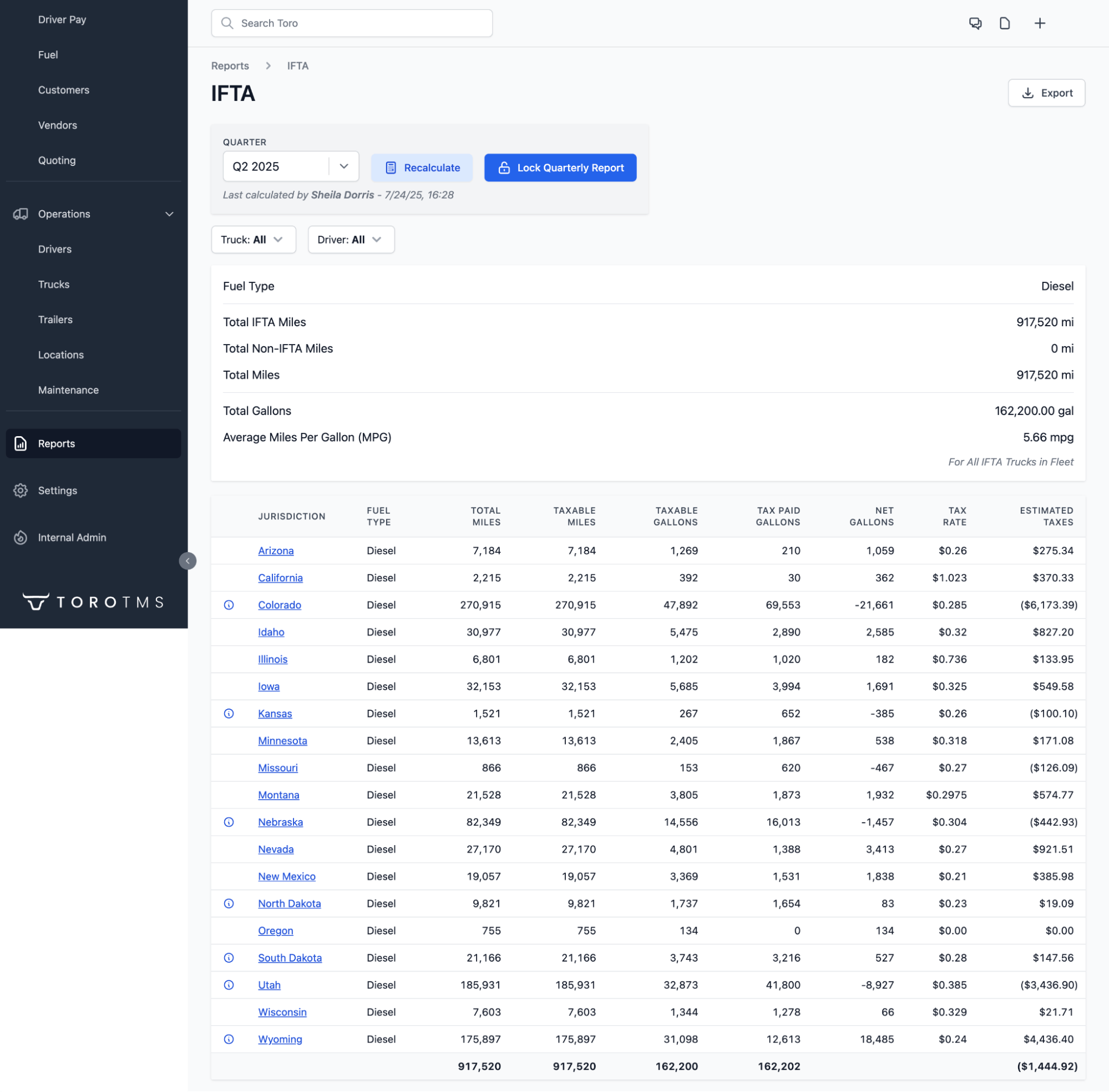
- Produce complete HOS logs on demand. Logs come straight from the ELD and stay tied to each load, so there's a full history to pull the moment an auditor asks.
- Match duty status to each load. Every duty change is recorded against the job it happened on, so the logs line up with the documents and timestamps on the same load.
Read more: TMS with ELD integration: 4 top tools for trucking fleets
Automate IFTA, invoicing, and driver pay to save 70% of the time spent on back-office tasks

Most trucking compliance tools won't include billing or invoicing tools, and the same is true for most trucking accounting software. So that requires fleets to run two systems, enter the same load data into both, and constantly switch back and forth to maintain compliance.
Toro handles everything in one system. The ELD mileage and load data that keep you compliant are the same data that generate invoices and driver pay, so there's no exporting reports, matching them to jobs, or entering the same numbers twice.
With Toro, you can:
- File IFTA from miles already sorted by jurisdiction. Toro tags every mile to the state it was driven in as the load runs, so quarterly filings come from previously captured data.
- Generate invoices automatically the moment a load closes. When a driver submits a scale ticket or delivery confirmation, Toro already has the customer, quantities, and rate tied to that job, so the invoice is built from the same record as the job.
- Calculate driver pay without manual entry. Toro settles each driver based on the pay structure stored in their driver profile, whether per load, per ton, or hourly. Our software also pulls in detention, fuel deductions, mileage, and other costs related to specific loads.

- Sync everything to QuickBooks in one click. Invoices, settlements, and IFTA data export straight to QuickBooks Online or Desktop. You won't need to reconcile accounts manually or re-enter numbers into different systems.
Read more: Trucking accounting software: 5 best options to streamline back-office tasks
Maintain compliance and improve operational decision-making with advanced reporting tools
Toro brings your operational, compliance, and financial data into one place, so the same records that keep you audit-ready also tell you how the fleet is performing.
There's also no need to pull data manually from multiple sources. Toro's automated reporting can provide a clear view of compliance and operations automatically whenever you need it.
- Pull audit-ready reports on demand. When DOT requests records or an annual review comes due, you can produce HOS logs, document histories, and mileage by load from a single system in seconds.
- Stay ahead of vehicle maintenance and inspection schedules. Toro tracks service intervals by time and mileage and flags them before they come due, so a missed PM or an expired inspection doesn't become a violation or a breakdown.
- Identify compliance risk before an auditor does. Reporting highlights issues like a defect logged without a closed-out repair, a credential about to expire, or HOS data that doesn't reconcile. Seeing these early gives you time to fix the record rather than explain it during an audit.
- Measure how the fleet is really running. Because every mile and hour is captured through the ELD, you can break down utilization, time on site, and revenue per load by truck, driver, or customer. The same data that proves compliance shows you which lanes and drivers are your most profitable.
Get your team set up with hands-on onboarding and support
Switching to new software can present compliance issues for many trucking companies because records get lost in the old system, and the data tied to your HOS logs, IFTA filings, and driver files can quietly break before anyone notices.
Toro makes sure that doesn't happen with hands-on, in-person onboarding built around each department, including dispatch, accounting, drivers, and managers. We train each team on the exact tasks they handle, so the people responsible for compliance know how the system manages their records from day one.
For drivers, that means showing them how to receive dispatch instructions and upload scale tickets, BOLs, and inspection reports from the field. This is usually where compliance breaks down, because drivers aren't technical users and are the quickest to ditch software and revert back to manual paperwork submissions.
Toro is built to be genuinely easy to use for non-technical teams, and our support team responds within 30 minutes during business hours, from 9 a.m. to 9 p.m. ET.
Ready to keep every compliance record audit-ready automatically? Book a demo with Toro TMS today.
5 alternative trucking compliance software options
If you still want to learn about other trucking compliance tools, we've identified five additional platforms. These tools below are built for different compliance needs, from ELD and HOS tracking to driver qualification files and drug and alcohol program management.
1. DOTReady

DOTReady pairs fleet compliance software with hands-on consulting, aimed at carriers that want help managing DOT regulations rather than just a tool to do it themselves.
It covers driver qualification, vehicle inspections, DVIRs, and ELD support, with consultants who handle compliance tasks directly. However, fleets still need a separate TMS for dispatch, billing, and driver pay.
Key features include:
- Driver qualification file management with document tracking and alerts
- Vehicle inspection and DVIR management
- ELD assistance and hours of service support
- Dedicated compliance consultants to manage tasks on your behalf
2. Whip Around
Whip Around is a fleet management platform for maintenance and inspection that fleets use to handle the DVIR and vehicle side of DOT compliance.
Drivers complete digital inspections from their phones, and the system tracks defects, maintenance history, and the documents drivers need at roadside enforcement stops. It's primarily a vehicle compliance tool because it's not built for driver qualification files, HOS logging, or IFTA.
Key features include:
Customizable digital DVIRs and inspection forms
- Defect tracking tied to repair and maintenance records
- Roadside access to driver records, registration, and insurance documents
- Maintenance scheduling and service reminders to prevent downtime
- Reporting that supports CSA score management
3. Geotab
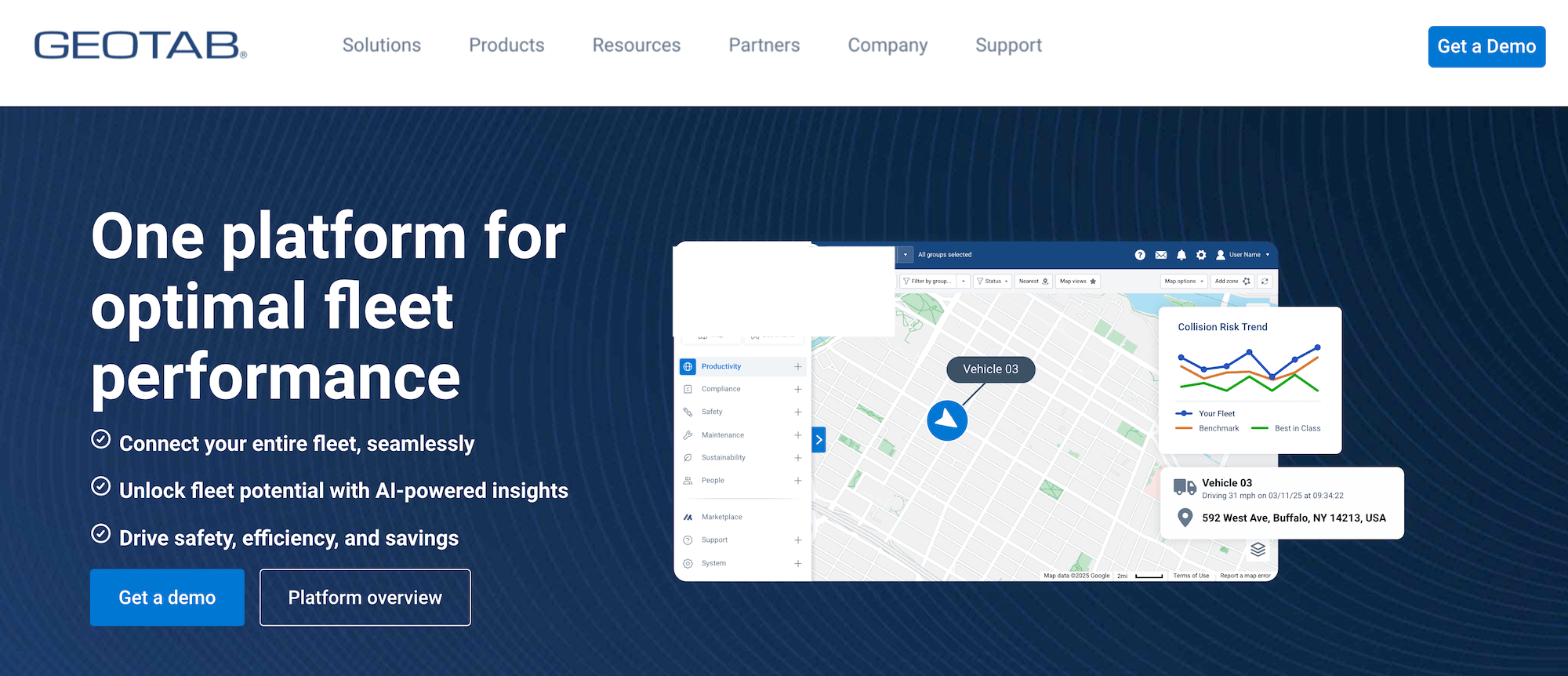
Geotab is a telematics platform that serves large fleets by offering over 200 software and system integrations, including add-ins for DOT compliance.
It mainly focuses on the ELD side of compliance, covering HOS, DVIR, and IFTA from connected vehicle data. Trucking companies can also integrate Geotab's ELD functionality with Toro TMS.
Key features include:
- FMCSA-certified ELD with automated HOS logging
- DVIR and vehicle inspection workflows
- IFTA reporting built from tracked mileage by jurisdiction
- GPS tracking with driver safety scoring from speed, braking, and idling data
- An open platform with 200+ integrations and DOT compliance add-ins
4. DOTDriverFiles
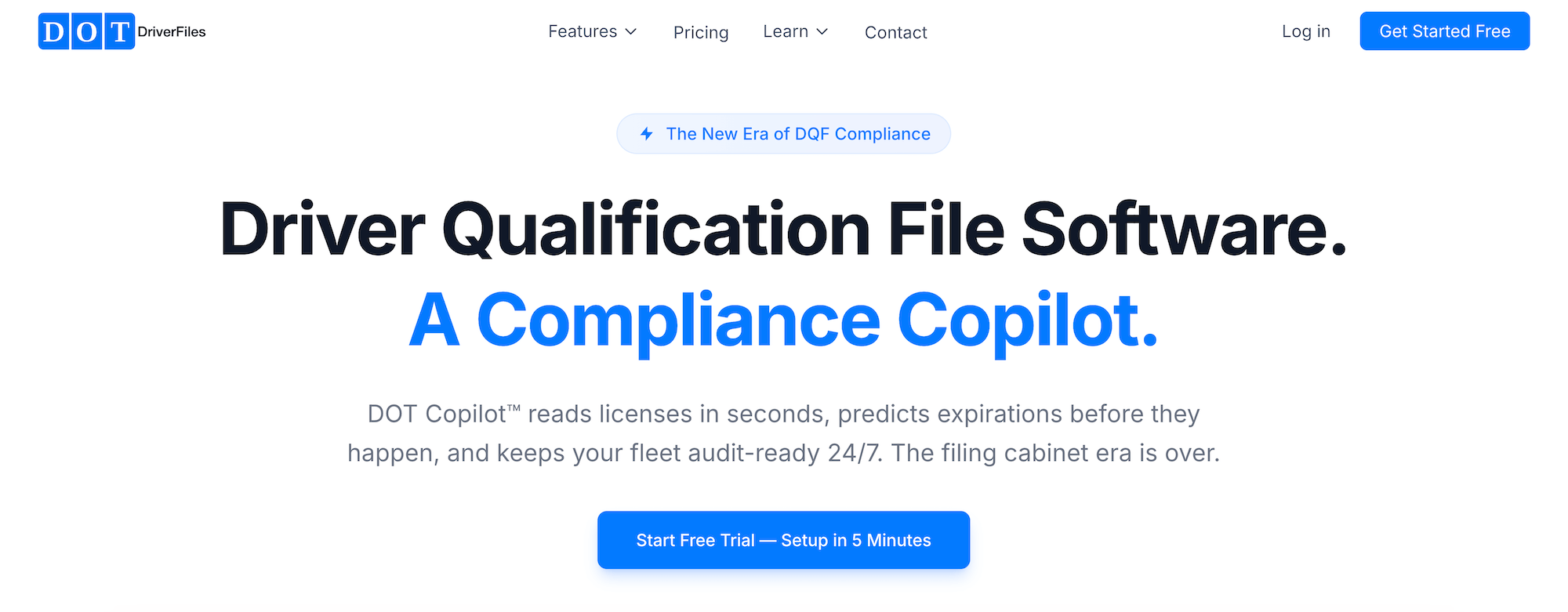
DOTDriverFiles is driver qualification file software built specifically around FMCSA Part 391 requirements. It can read and interpret driver documents through its DOT Copilot feature, which scans a license in seconds, auto-fills the file, and flags expirations up to 90 days before they happen.
The software can also pull FMCSA-compliant MVRs and Pre-Employment Screening Program (PSP) reports. It can handle driver compliance thoroughly, but it isn't a TMS, ELD, or maintenance system, so fleets use it specifically for DQ files and pair it with other tools for dispatch and operations.
Key features include:
- DOT Copilot document scanning that auto-fills DQ file fields from a license or medical card
- Digital driver onboarding with online applications, e-signatures, and license capture
- Driver management via a pipeline view showing new, pending, and qualified status at a glance
- Predictive expiration alerts for MVRs, medical cards, and CDLs up to 90 days out
- Driver self-service uploads with one-tap approval, plus audit reports ready in 60 seconds
5. DAT CleanFleet
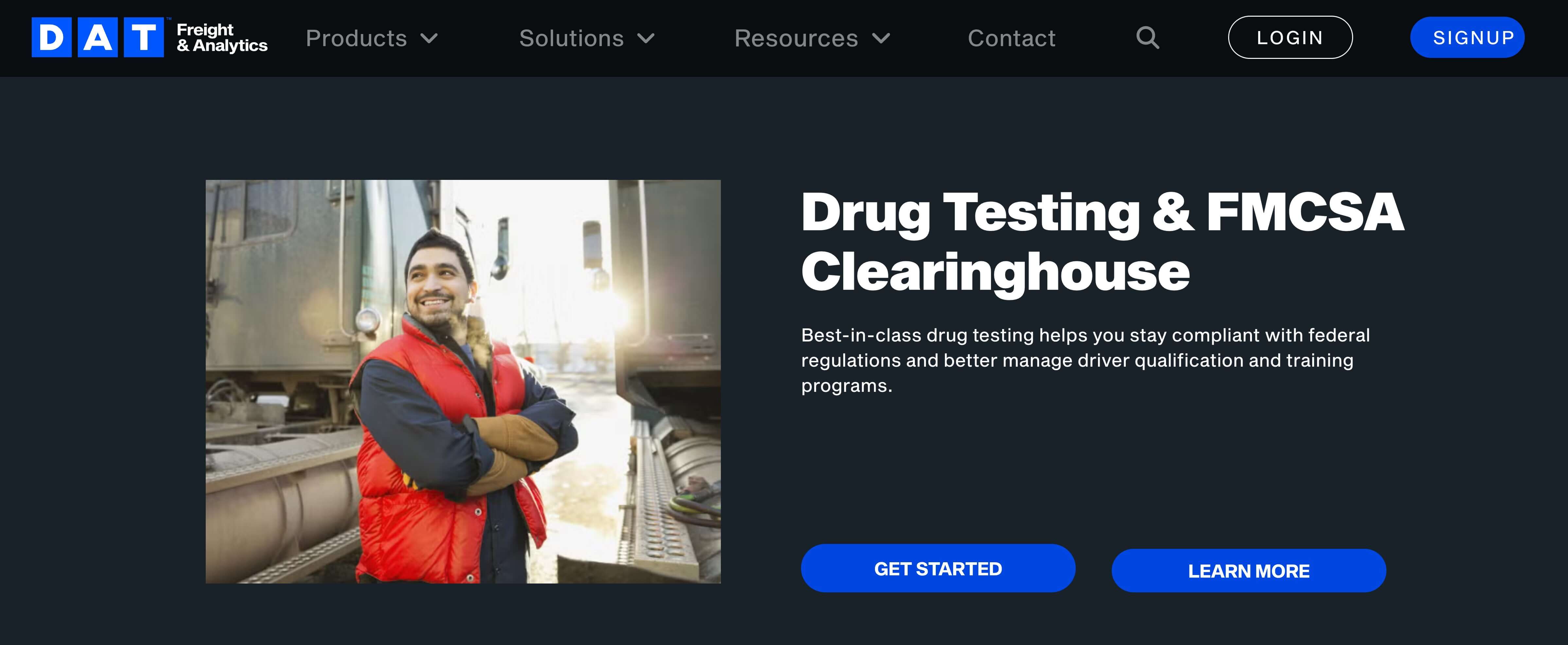
DAT CleanFleet is a drug and alcohol compliance service for carriers and owner-operators, run as a third-party administrator (TPA) rather than a TMS.
It manages the testing programs that FMCSA requires, including pre-employment, random, post-accident, and return-to-duty screening, as well as FMCSA Clearinghouse queries and reporting.
While it won't handle dispatch, HOS logging, IFTA, or document management, it can run alongside a TMS to cover all aspects of trucking compliance.
Key features include:
- Full-service drug and alcohol testing across a network of 5,000+ collection sites
- FMCSA Clearinghouse registration, annual queries, and violation reporting
- Random testing pool management in line with FMCSA requirements
- Compliance policy development and driver education materials
Automate your DOT compliance with the right trucking software
The best trucking compliance software keeps every record an audit could ask for in one connected system. It also captures these details as work happens, so there's no need for your team to reconstruct it later.
This means your documents, HOS logs, mileage, and driver files all tie back to the loads they came from, ready to produce the moment DOT requests them.
Toro TMS brings document capture, ELD-fed HOS and mileage, IFTA reporting, and back-office work into a centralized system built for bulk haulers.
With Toro, you can:
- Collect BOLs, scale tickets, PODs, and DVIRs from drivers and attach each one to the right load automatically
- Track live HOS and mileage straight from your ELD, so the record dispatch works from is the same one an auditor sees
- Build IFTA reports from jurisdictional miles already captured, without any manual rebuilding or calculations
- Generate invoices and driver pay from the same load data that keeps you compliant
- Produce audit-ready HOS logs, document histories, and mileage reports from a single system in seconds
Ready to see how Toro keeps your fleet audit-ready while cutting back-office work by up to 70%? Book a demo today to learn more.