.png)



Driver subcontractor management software makes it easier for trucking companies to coordinate work with outside drivers and hauling businesses, including assigning loads, collecting paperwork, and managing contractor records and payments.
If you’re looking for this type of tool, you probably already rely on subcontractors to cover work your own fleet can’t handle. But bringing in more trucks can create even more administrative work, especially when those haulers aren’t connected to the system your office uses.
For instance, you might be noticing that:
- Dispatch loses track of outside assignments when company trucks are scheduled in the TMS, but subhauler loads are managed through separate texts and spreadsheets.
- Your team spends too much time chasing updates because there’s no shared record of which loads are underway, delivered, or still missing tickets.
- Subhauler payments lead to disagreements when the rate, payment schedule, or charges for extra time weren’t clearly agreed upon upfront, leaving your office to resolve different expectations after the work is done.
- Customer billing and hauler payments get delayed while accounting collects scale tickets, confirms quantities, and checks hours against the agreed rates.
- Contractor records become difficult to maintain when agreements, insurance certificates, and payment details are scattered across files and inboxes.
However, driver subcontractor management software is a broad category, and what works for one organization may not work for another.
For instance, if you’re primarily a hauler, it makes the most sense to use a specialist trucking management software (TMS) that has features to help you manage subhaulers alongside your own drivers. This keeps subhauler assignments connected to daily dispatch, load documents, and billing.
On the other hand, if you work exclusively in construction, a construction management platform will help you organize trade subcontractors and track project costs. Meanwhile, a contractor management platform may focus on onboarding independent drivers and processing their payments.
In this article, we'll walk you through six software options for managing drivers and subcontractors, explaining which operations each one fits and what it does best. We'll start with Toro TMS, our own trucking management software built specifically for bulk haulers.
Want to simplify subcontractor management for your bulk hauling operation? Schedule a demo today with Toro TMS to learn more.
Toro TMS: TMS for bulk haulers with built-in subcontractor management

Toro TMS is built specifically for dry and liquid bulk haulers. It centralizes the entire operation of your hauling business, from load creation and dispatch through driver communication, document collection, invoicing, driver pay, and reporting.
For bulk fleets, bringing in subhaulers means more than finding trucks to cover the schedule. Every additional run creates instructions to pass along, progress to check, and scale tickets to collect before your office can bill the customer and pay the hauler.
Toro’s built-in Carrier Portal connects subhaulers to the loads your team dispatches. You send each hauler a personal link where they can view assignments, update progress, log hours, and submit paperwork. Each subhauler will receive their own Toro login, and the information they submit goes straight back to your office.
Alongside the portal, Toro gives your team the tools to:
- Plan company-truck and subhauler assignments from one dispatch dashboard
- Create repeat bulk loads using saved customer, site, commodity, and rate details
- Text instructions to your own drivers and give subhaulers ready-made messages to forward to theirs
- Collect scale tickets, weights, hours, and stop times against the assigned load
- Invoice customers and review subhauler payments using the same completed-load records
- Compare profitability and productivity to decide when additional hauling capacity makes sense
Below, we’ll walk through how these features help your office and subhaulers coordinate each load.
Read more: Dump truck software: 5 top choices for specialist software
Give subhaulers one place to view assignments and update load progress
A subhauler running several trucks for you may have loads heading to different customers and delivery sites throughout the day. When each assignment arrives in a separate text, they have to scroll through conversations to piece together the schedule and work out what comes next.

Toro’s Carrier Portal gives each subhauler one page for all the loads your company sends them. Inside the portal, subhaulers can:
- View the details of each assignment at a glance. Each load has its own card showing the customer, commodity, stops, and assigned truck and driver. A hauler covering multiple runs can check which truck is handling each job.
- Copy and paste the dispatch message directly to their own drivers to reduce the risk of errors when passing on load information.
- Find the loads that need attention. Search assignments or filter by date and status to review today’s work, check a previous delivery, or identify loads still missing paperwork.
- Update progress directly on the load. Set an assignment to Not Started, In Transit, or Delivered with a tap. Your dispatch team sees the change immediately.
- Return to the same page for future assignments. The one page contains details of every load your company sends that hauler, so they can save it and check back as new work comes in.
The portal is free for your subhaulers to use. It gives them an easy way to organize the work they’re doing for you while keeping your dispatch team informed as those loads move toward completion.
Manage daily dispatch from one dashboard with reusable load templates
When company trucks and subhaulers share the day’s work, dispatch needs to know which loads are covered and which still need a truck. Keeping outside assignments in a separate spreadsheet or text thread makes it harder to spot gaps, especially when a customer adds more loads or a truck becomes unavailable.
Toro brings your daily loads and assignments into one centralized dispatch dashboard. Your team can plan company-driver schedules and assign work to subhaulers without maintaining a separate schedule for outsourced loads.

From Toro’s dashboard, you can:
- Build recurring loads from saved templates. Save the customer, pickup and delivery sites, commodity, equipment requirements, and customer rate once. When the same aggregate run or grain haul comes back, create the order without retyping the details, then assign the hauling capacity you need.
- Check your own fleet’s availability before arranging outside trucks. View available drivers alongside unassigned work and use drag-and-drop scheduling to plan their loads. This helps dispatch identify the work that still needs subhauler coverage.
- Keep subhauler assignments connected to the customer’s order. Site instructions, reference numbers, and load details stay with the assignment, giving your office and the subhauler a shared record of the work.
- Adjust the plan when customer demand changes. If a quarry adds afternoon loads or a delivery gets pushed to tomorrow, update the schedule from the dashboard so other dispatchers can see the revised plan.
- Monitor detention as it happens on company loads. Arrival and departure timestamps from the ELD alert dispatch when a driver is held past your threshold, so wait time is documented for billing before the truck leaves the site.

Because loads assigned to subhaulers are created in the same system as your company-truck loads, dispatch details stay connected to the Carrier Portal and the paperwork haulers submit.
Your back office can then use those records for customer invoices and hauler settlements without re-entering the original load details.
Read more: How to choose a dispatch software for trucking your teams will actually use
Send clear driver instructions via text message and collect load documents digitally
When you assign work to a subhauler, the person receiving the load may need to pass it to one of their drivers. Instructions can get lost in forwarded messages, and the scale ticket may travel back through several people before it reaches your office.
Toro simplifies both sides of that exchange. Your dispatchers can text assignments directly to your own drivers, while subhaulers get a ready-made dispatch message they can copy from the Carrier Portal and send to their chosen driver.

The portal’s dispatch message puts the stops, times, commodity, and load notes into one block. Subhaulers decide who receives it and when, without retyping the run or forwarding a long conversation.
Once the work is completed, Toro gives your drivers and subhaulers a way to return the paperwork digitally:
- Your drivers upload documents through the link in their dispatch text. They can photograph scale tickets, BOLs, and delivery confirmations from their phones and submit them against the load.
- Subhaulers attach paperwork directly in the Carrier Portal. They can scan paper tickets with a phone camera or upload PDFs and photos from a computer, keeping trip sheets and other supporting documents with the assignment.
- Subhaulers enter final weights alongside their tickets. Gross and net weights can be recorded directly on the load, giving your office the quantities and the document supporting them.
- Your office sees submitted paperwork immediately. Dispatch and accounting can access the load’s documents without searching group texts or waiting for someone to bring tickets back.

For driver document uploads, Toro also uses OCR to extract details such as ticket numbers and quantities into the load record, reducing manual entry for the office.
Whether your own driver or a subhauler completes the run, the paperwork stays connected to the job your team originally dispatched.
Read more: What’s the best document management system for trucking? 5 options for carriers
Track sub load status, hours, and detention without chasing subs for updates
When a subhauler is handling several loads for you, dispatch needs to know which runs are underway and which have been delivered. Calling for individual updates can be time-consuming and creates extra work for your team.
With Toro, the sub reports that information directly on the load through the Carrier Portal. Each update is visible to your dispatch team the moment it's made, alongside the ELD-based tracking you already have for your own trucks.
When using Toro TMS, subhaulers can:
- Simplify progress tracking with load status updates. Mark assignments as Not Started, In Transit, or Delivered so dispatch can check progress without calling.
- Log driver hours against individual loads. Record time for hourly work while the details are still fresh, instead of reconstructing the day from separate timesheets.
- Record arrival and departure times at each stop. Keep a record of time on-site so your office can review extended waits and supporting details for detention.
Sub updates come from the sub's dispatcher, which is a more accurate way to capture hours and stop times than reconstructing them from a truck's GPS trail.
These updates give dispatch a shared view of reported progress while keeping hours and stop times attached to the load for the back office.
Read more: Trucking tracking software: 7 best tools for improved fleet visibility
Invoice customers and settle subhaulers from the same load record without re-entering details
Every subhauled load leaves your office with two amounts to reconcile, including what the customer owes you and what you owe the hauler. When tickets arrive through separate texts and hours are recorded elsewhere, accounting has to piece together the completed job before it can handle either side.
Toro keeps dispatch details and submitted paperwork attached to the load. Scale tickets, final weights, and hours entered through the Carrier Portal become available to your back office, giving your team supporting records for both customer invoices and subhauler payments.

With Toro, you can:
- Generate customer invoices from completed loads. Use the customer details, rates, quantities, and uploaded documentation already attached to the job. Billing can review the record and send the invoice without rebuilding it from separate tickets.
- Reconcile subhauler payments against the work completed. Review submitted weights, logged hours, and supporting documents together when checking what you owe a hauler. If there’s a question about a load, the paperwork is available in the same record.
- Apply stored customer rates and additional charges. Choose rate dimensions—for instance, rates by commodity, tonnage, location, or mileage—alongside saved pricing and fuel surcharges to keep invoices consistent. Recorded arrival and departure times also provide supporting information when reviewing detention charges.
- Calculate driver pay and subhauler settlements. Toro applies the compensation rules saved in each driver’s profile, whether per load, per ton, per mile, hourly, or a mix. For subhaulers, your team can use completed-load quantities and hours to calculate what’s owed at the agreed rate.

- Sync customer invoices and driver settlements to QuickBooks. Move those financial records into QuickBooks Online or Desktop without entering the same figures again.
Your office can use the same delivery evidence for customer billing and subhauler payment workflows, reducing back-and-forth over missing tickets or disputed quantities.
Read more: Trucking payroll software: 5 options for effortless driver pay
Monitor profitability and fleet productivity with built-in reporting
Hiring subhaulers helps you cover more customer loads, but a busier schedule doesn’t necessarily mean a more profitable operation. You also need to understand which jobs earn enough to justify the capacity they require and where delays are reducing daily output.
Toro brings load information together with billing, driver activity, and connected ELD and fuel data to give managers a clearer view of business performance.
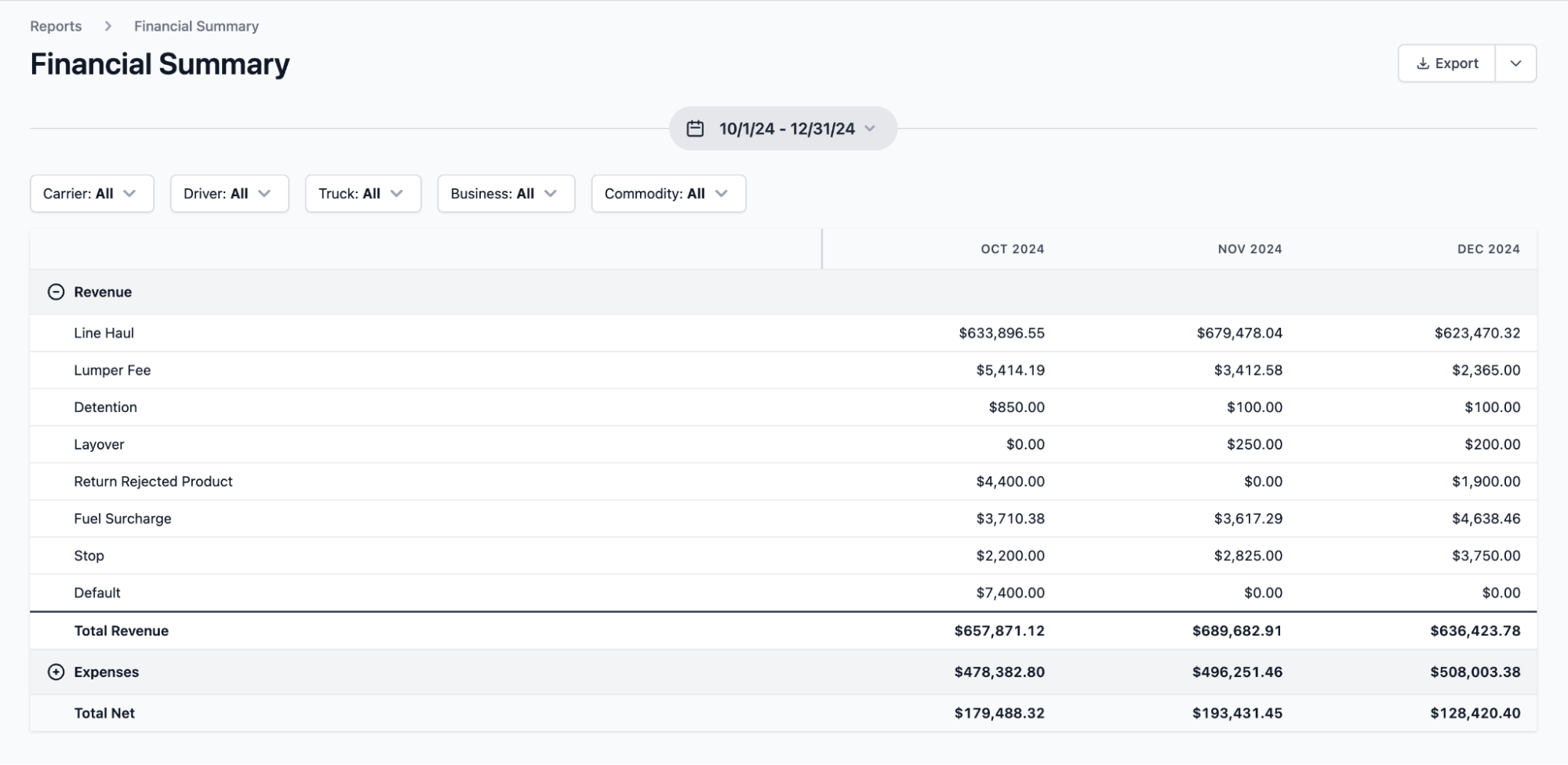
With Toro, you can:
- Compare margins on subhauled loads vs. company-truck loads. See what a customer or lane earns when your own driver runs it versus when a sub does, so you know which work is worth subbing out and which is eating into your rate.
- Identify customers and sites that keep subhaulers waiting. Review arrival and departure times recorded in the Carrier Portal to document detention and adjust schedules around recurring delays.
- Monitor your own fleet’s productivity. Check how hours worked translate into completed loads and identify scheduling changes that could help your existing team handle more work.
- Plan capacity using historical demand. Review load volumes by customer or job type to anticipate busy periods and arrange additional hauling support before you need it.
These insights help you evaluate subcontractor performance and make more informed decisions about customer pricing and fleet capacity, including when to line up subhaulers for upcoming work.
Read more: Trucking accounting software: 5 best options to streamline back-office tasks
Get your team started with hands-on onboarding and dedicated support
Adopting subhauler management software means getting your office comfortable with a new system while making it easy for outside haulers to participate. If sending updates or submitting tickets takes too much effort, your dispatchers can end up chasing the same information by phone.
Toro provides in-person onboarding and training built around each department’s daily responsibilities. We work directly with your team to set up the system and show employees how to use the features relevant to their jobs.
We train dispatchers, accounting teams, drivers, and managers on the tasks they handle day to day. For a fleet that runs subhaulers, that includes assigning loads to subs from the dispatch board, sharing Carrier Portal links, reviewing tickets and weights as subs submit them, and generating customer invoices and sub settlements from completed loads.
Your subhaulers themselves need almost no onboarding. You simply text or email them a personal link, and they can open it on their phone or computer to view assignments, update load statuses, and submit tickets. The same link works for every load your company sends them, so they can save it for future work.
Once you're live, Toro continues to provide dedicated support. Our team is available from 9 a.m. to 9 p.m. ET and responds to new inquiries within 30 minutes.
Want to see how Toro helps you manage your fleet and subhaulers? Book a demo with our team.
5 additional software options for managing drivers and subcontractors
Below are five additional tools to consider, depending on whether you need help scheduling drivers, managing contractor paperwork, or processing subcontractor payments.
1. Driver Schedule: Contractor scheduling and driver availability management
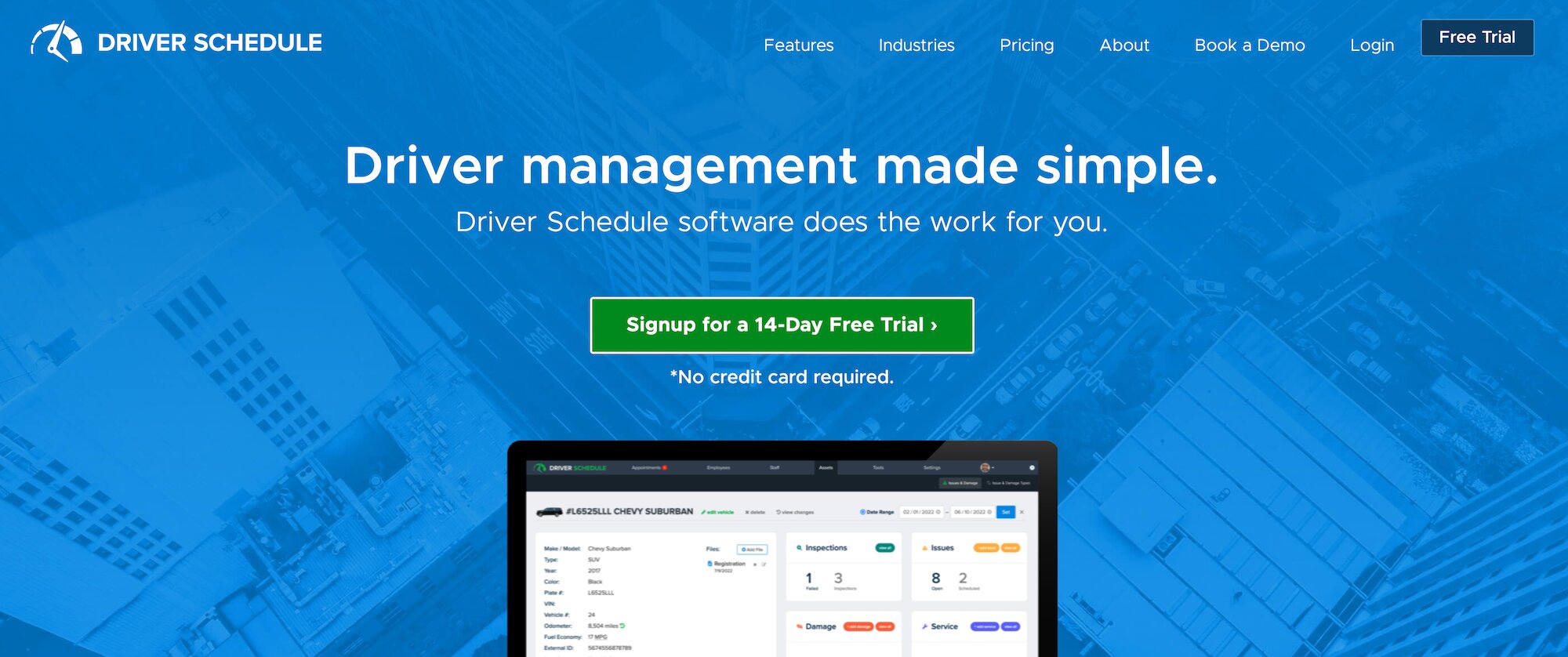
Driver Schedule helps transportation and field service businesses organize driver availability and daily assignments. It includes contractor scheduling tools that support teams coordinating service appointments and crews across multiple locations.
Office staff manage assignments through a web dashboard, while drivers and field workers use the mobile app to view job details and receive schedule updates.
Key features
- Driver availability tracking and shift scheduling
- One-time and recurring appointment scheduling
- Automatic driver assignment and subcontractor appointment bidding
- Mobile access to schedules, job details, and service locations
- Push notifications and SMS alerts for schedule changes
- Virtual time clock and time tracking for payroll records
Pricing starts at $29.95 per month plus $3 per user for Essentials. Appointment and recurring route scheduling require Advanced, starting at $129.90 per month plus $3.50 per user, or Premium, which starts at $199.90 per month plus $4 per user. A free trial is also available.
2. Openforce: Independent contractor compliance and settlements for owner-operator fleets
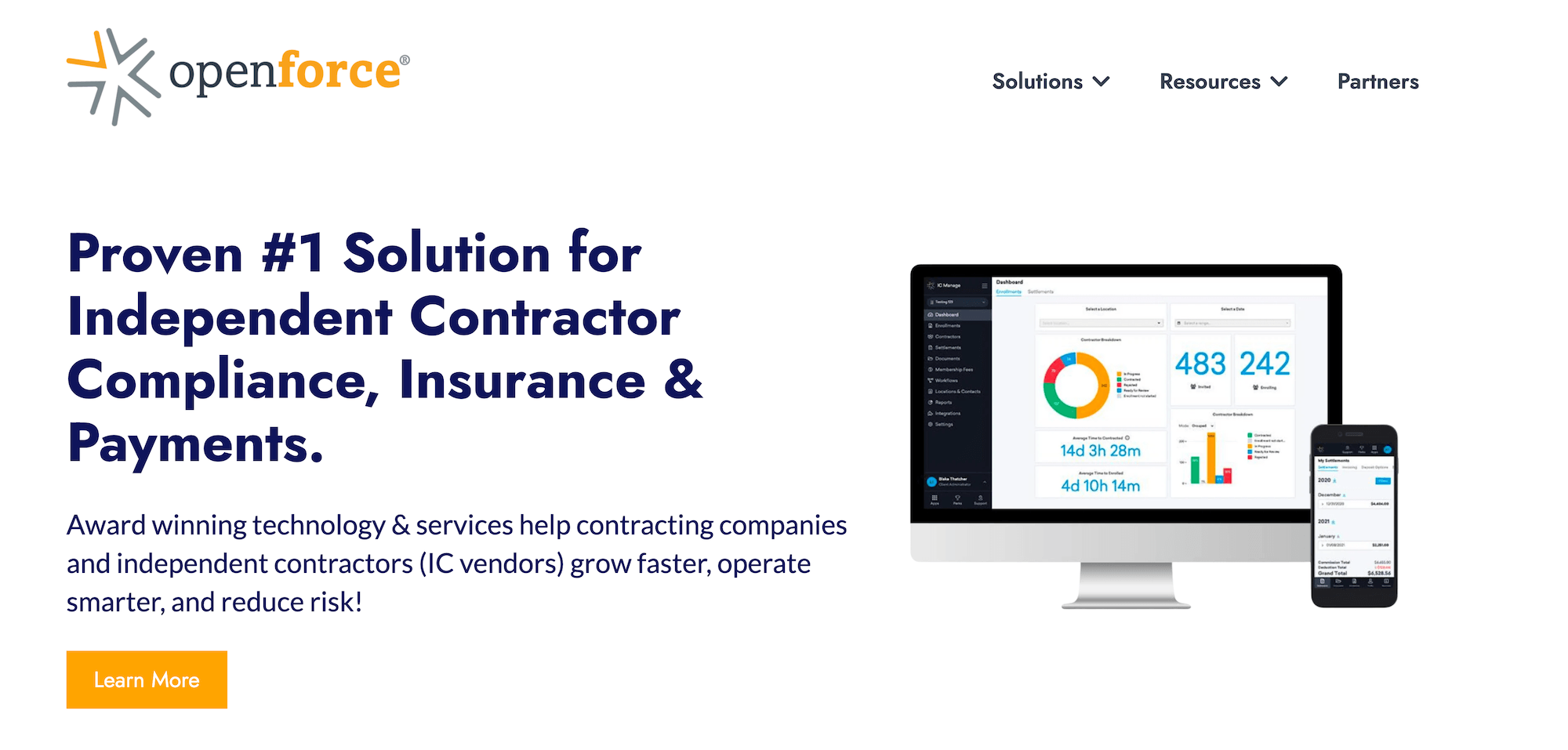
Openforce is a contractor management platform for transportation and delivery companies that subcontract work to independent drivers and owner-operators. It offers contractor onboarding, insurance administration, and settlement payments.
The platform works best for fleets whose office teams spend a lot of time collecting contractor documents, checking certificates of insurance (COIs), and processing deductions. Digital agreements and audit trails help organize those relationships, while a self-service vendor portal gives contractors access to their accounts.
Key features
- Mobile-friendly onboarding with document collection, contract execution, and electronic signatures
- Identity, EIN, and DOT verification, plus connections to background screening services
- Contractor document review and storage with compliance notifications and exportable records
- Insurance options including occupational accident and motor truck cargo coverage
- Automated workflows for settlements, including deductions, garnishments, insurance premium remittance, and 1099 processing
Openforce’s focus is contractor administration and payments. Fleets evaluating it should also consider how their TMS will provide the completed-load information needed for settlements and manage daily subhauler dispatch.
Openforce is a quote-based platform, and pricing varies depending on the modules and services your business needs.
3. Trimble Pay: Subcontractor billing and payments for construction companies
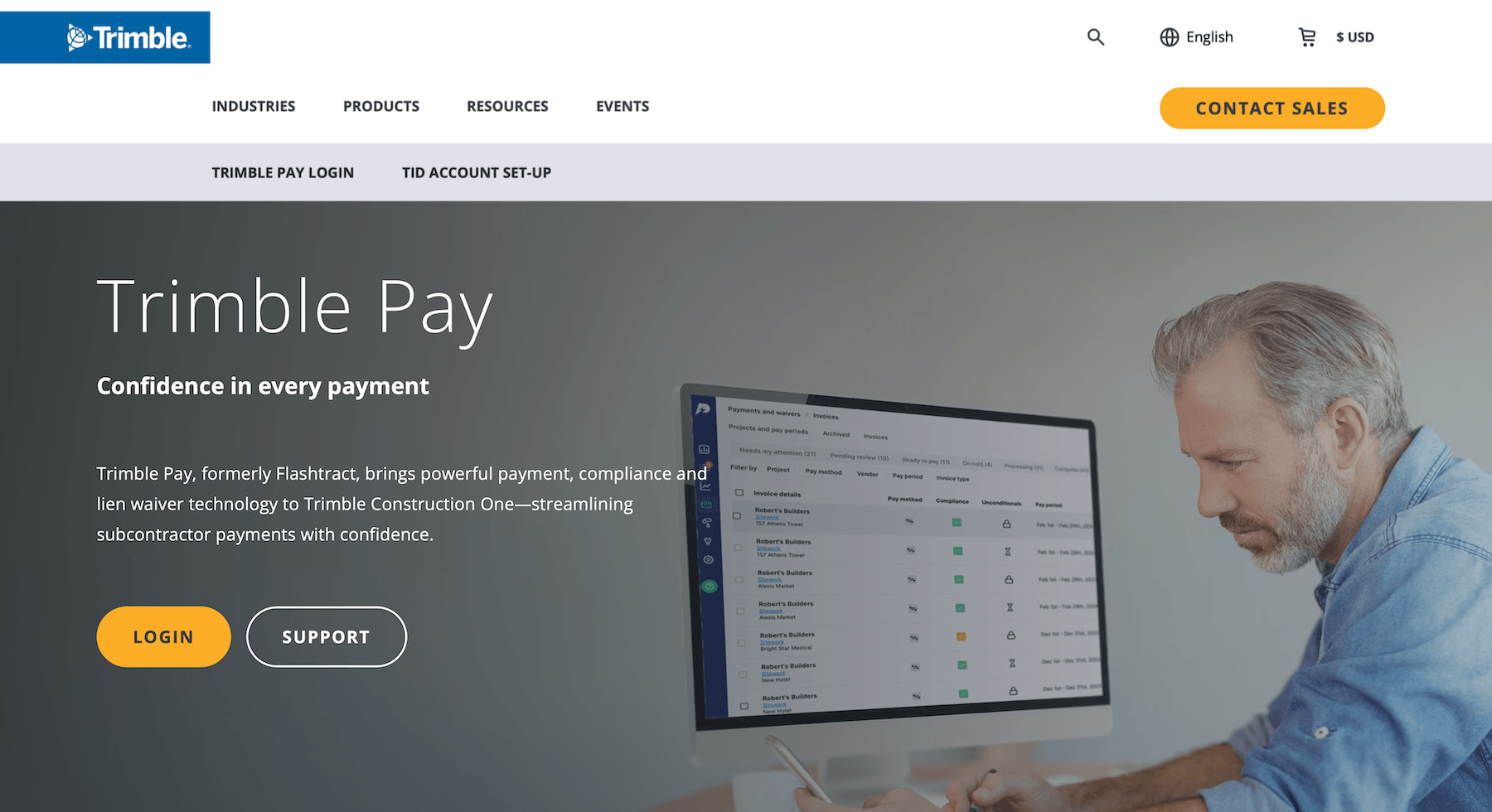
Trimble Pay lets construction companies collect subcontractor payment applications and manage the paperwork required to approve payments. It consolidates billing submissions and lien waivers into a single system, giving accounting teams a shared place to review them.
With Trimble Pay, subcontractors can submit their paperwork through a browser, while general contractors manage approvals and payment holds.
Key features
- Collection of AIA payment applications with automated accuracy checks
- Centralized payment applications and lien waiver tracking for billing review
- Compliance tracking with document expiration monitoring
- Subcontractor payments with approval, hold, and review controls
- Integrations with construction management software and accounting systems, including Procore, Sage 300, Trimble Vista, and Trimble Spectrum
Contact Trimble for pricing. All plans are custom. Subcontractors invited by a primary contractor can submit documents for free.
4. ContractorOS: Contractor document collection and compliance tracking

ContractorOS, part of FacilityOS, helps organizations collect and review contractor documents against the requirements of their facilities. Teams can track outstanding submissions, request updates, and monitor document expirations from a centralized system.
The subcontractor software works well for organizations that manage a large roster of outside contractors and vendors, such as manufacturers, construction firms, and government agencies. It lets them easily show proof that safety training, certifications, and insurance are current.
Key features
- Configurable document requirements for contractors and vendors across sites
- Centralized records showing document submissions and compliance status
- Automated reminders before documents expire
- Document review and approval processes with records of each action
- Vendor portal on the Advanced plan for contractors to manage their own submissions
- VisitorOS integration to connect compliance status with contractor check-in, requiring an active VisitorOS plan
ContractorOS can handle contractor documentation and site requirements. For hauling dispatch, daily logs of completed loads, and load-based payments, you’ll need another platform or tool.
Pricing starts at $199 per month for Essentials and $499 per month for Advanced, which includes vendor portal access for up to 50 vendors.
5. BuildOps: Subcontractor management for commercial contractors
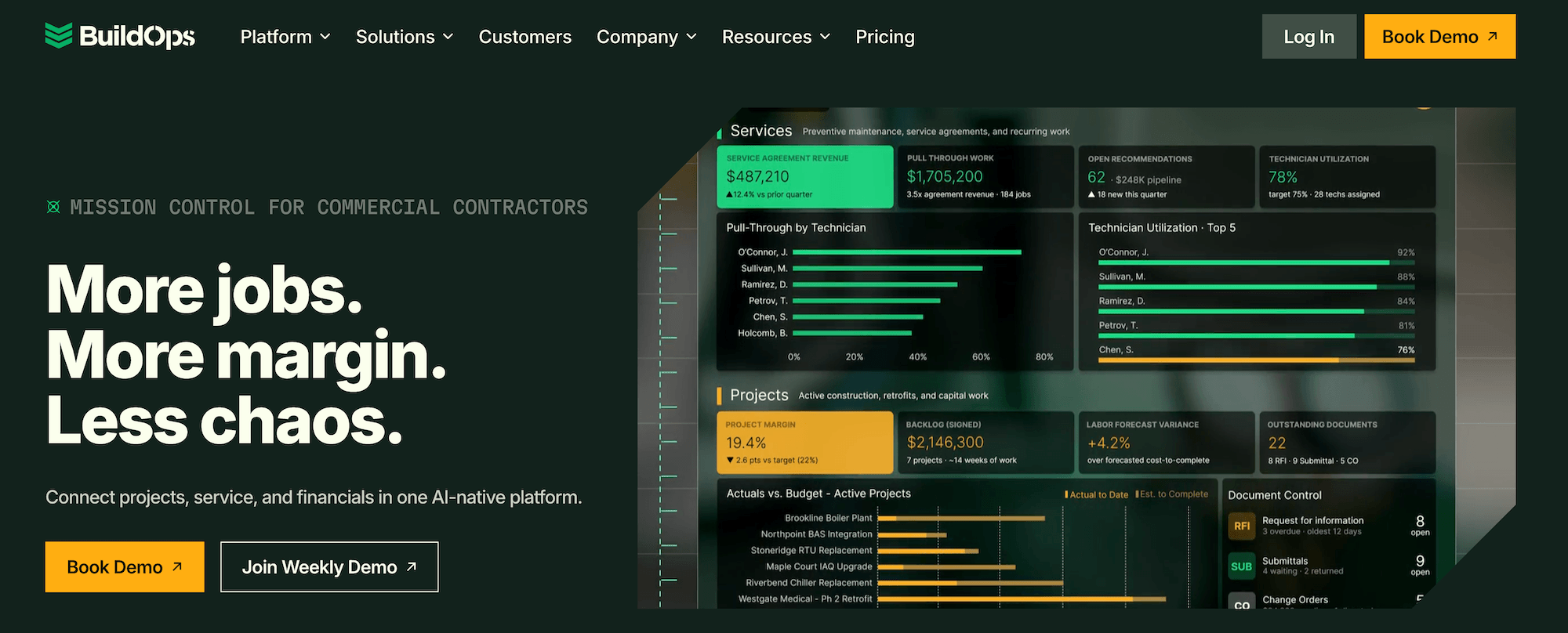
BuildOps is a commercial contractor platform whose subcontractor tools cover onboarding, compliance documents, scheduling, and payment tracking across projects.
BuildOps is a better fit for businesses coordinating specialty contractors, such as electricians and HVAC crews, than for fleets managing outside haulers.
Key features
- Subcontractor onboarding with license, COI, and W-9 tracking
- Project scheduling and task management for trade subcontractors
- Compliance document tracking across subcontractor records
- Contract document management to keep the scope of work accessible
- Change order tracking as project requirements evolve
- Subcontractor payment tracking connected to project budgets and job costing
BuildOps focuses on commercial contracting and trade service operations, making it less relevant to fleets managing subcontracted hauling. Pricing is custom and quote-based.
Manage subhaulers alongside your own fleet with Toro TMS
The right subcontractor management tools should reduce the work your office does to coordinate outside haulers. That includes assigning loads and collecting the information needed to bill customers and pay subs.
Toro TMS connects subhaulers to the same system your team uses to run daily operations. Through the Carrier Portal, outside haulers can view assignments and submit updates in a personal dashboard.
With Toro, you can:
- Manage company-truck and subhauler assignments from one centralized dispatch dashboard
- Give subhaulers clear load instructions with ready-made dispatch messages they can forward to their drivers
- Track reported load progress and hours through updates submitted in the Carrier Portal
- Collect scale tickets and final weights directly against each assigned load
- Create customer invoices and reconcile subhauler payments using the same completed-load records
- Compare profitability on subhauled and company-truck loads to help decide when to bring in outside capacity
Book a demo to see how Toro connects subhauler assignments with daily dispatch and billing.