.png)



If you’re looking for alternatives to legacy TMS platforms, you’ll likely have already encountered some of the common limitations of these traditional tools:
- They're typically generic platforms built to serve all trucking operations, rather than any specific type of hauling. This means they can lack features specific to your industry, or they may not support your workflows at all.
- They often require high levels of customization. This can take up to a year to implement and cost hundreds of thousands of dollars—before your team can even actually use the software.
- Legacy software isn’t typically very easy to use. Often these tools have dated or clunky visuals and have a significant learning curve. In the end, day-to-day work often takes longer than it should, too.
- They usually lock you into a long-term contract. If the software doesn’t work well for your operation, you’ll still have to pay for it until the contract ends.
These days, more modern TMS options exist that address many of these limitations and offer intuitive dashboards, easy automation, and much more flexibility and support.
However, even for the new TMS tools, the key point remains: to be actually useful, trucking software needs to be built for your specific type of hauling. It should match your workflow from the start, get your team live in weeks, and come with an interface that's easy to use for everyone who needs to use it.
For instance, a bulk hauler running a dozen short loads a day needs something substantially different from an LTL carrier consolidating shipments from multiple customers onto one truck. And a 3PL coordinating other people's trucks has different needs from an enterprise fleet running thousands of long-distance loads.
In this article, we break down the best TMS alternative for each type of operation, starting with bulk hauling, since that's the space we know best.
Have a bulk hauling operation and want to see our software in action? Book a demo with Toro TMS.
1. Toro TMS: The modern TMS built for bulk hauling

Toro TMS is built specifically for companies hauling dry and liquid bulk commodities, including aggregate, construction materials, fuel, chemicals, livestock, foodstuffs, and more.
Bulk hauling doesn't run like long-haul freight. But most enterprise TMS platforms grew over decades to serve whoever the biggest customers were, and those customers were usually long-haul carriers. A long-haul truck typically runs one load a day, while a bulk hauling truck might run 10 or more.
That means bulk haulers have much more paperwork to process, from scale tickets and BOLs to weight records and commodity details. Plus, schedules shift by the hour, while the data that matters (tonnage, net and gross weight, cubic yards) isn't something a general freight platform was built to capture.
Below, we'll get into the specifics of how Toro TMS handles that workflow:
- Dispatch loads in seconds with reusable templates on a live dispatch board
- Send drivers load details by text and capture scale tickets and BOLs digitally, no app needed
- Automatically turn completed loads into invoices and driver settlements
- Track profitability by load, driver, or customer in real time
- Get in-person onboarding and fast support whenever you need it
Dispatch a high volume of repeat loads with reusable templates
In bulk hauling, trucks run a high volume of loads each day, meaning dispatchers have to repeatedly build and adjust loads, often for the same customers and routes. Having to build those loads manually from scratch over and over is a slow, tedious, and error-prone process.
Toro TMS is built specifically for bulk operations, so it matches how a bulk dispatcher's day actually runs—from building the load to tracking it on the road.
With Toro, you can:
- Create a template once with the customer, pickup and delivery locations, commodity type, equipment, and rate, then pull it up and reuse it for every repeat order.
- Handle a full day of load planning and dispatch at once, instead of creating and sending each assignment individually. This matters when the same truck may be making 10 runs in a shift.
- Assign and rearrange loads on a live dispatch board. Unassigned work and driver schedules are visible in the same place, and dispatchers can move loads onto a driver's schedule as plans change. The board shows which drivers are available, which are already on a job, and who will be available next.

- See where trucks are while you dispatch. Toro connects with ELDs so dispatchers can see current truck locations and load progress from the same system. You can also see when a driver has been sitting at a site longer than expected, which gives you time to adjust later loads and keep the rest of the day on schedule.
- Automatically text drivers their job details. When a dispatcher sends the load, Toro texts the driver the job details they need. If a customer changes a job detail afterward, the dispatcher updates the load once in Toro, and the driver gets the new information by text right away, with the updated data carrying through to the rest of the system.
In our experience, this setup encourages adoption among drivers. They already know and use SMS, so there's no new app to download or a separate place they have to check for updates.
Toro TMS is built to be easy to use, which is one of the biggest differences from many legacy TMS platforms. The interface is intuitive and built around the tasks bulk dispatchers handle every day, so your team can learn it immediately and move through everyday dispatch work quickly.
Read more: How to choose a dispatch software for trucking your teams will actually use
Capture tickets and documents straight from a driver's phone
If you have several trucks running multiple loads throughout the day, the paperwork adds up fast. Each load generates various documents the office needs before it can finish billing and other back-office work.
Instead of waiting for drivers to bring paperwork back to the office (and having staff sort through it later), Toro lets you collect and organize those documents as each load is completed.
- The driver takes a photo of the BOL, scale ticket, POD, or other required document and submits it through the secure link Toro sends with the load details by text.

- Toro reads the key information from the document and automatically attaches it to the correct load, so someone in the office doesn't have to sort through tickets and match each one to the right job.
- Dispatchers can see submitted documents immediately. They don't have to call drivers to find out whether a ticket was turned in or wait until the truck returns to the yard.
- The back office gets the paperwork as soon as the driver submits it. This way, billing can start processing the load right away instead of waiting for a stack of tickets to arrive later.
This is where a bulk-specific TMS has an advantage over a general-purpose legacy system. The document process is built around how bulk loads actually move, so there’s less manual work between the driver finishing a load and the invoice being sent.
Read more: Trucking ticket management software: How to better manage your paper tickets
Automatically generate invoices and driver pay from accurate load ticket data
Once a load is complete, the back office already has the information it needs in Toro. The dispatch details, rates, and final ticket data stay with the load, so staff can pick up where dispatch left off instead of gathering and re-entering information first.
Toro TMS automatically:
- Generates invoices individually or in bulk. Customer information, quantities, rates, PO and BOL references, and uploaded tickets are already attached. Billing can review the information and send the invoice in a few clicks.
- Calculates driver pay using the rules saved in each driver's profile. Toro can handle drivers paid by the hour, load, ton, mile, or a combination, then apply those rules to the work they completed. It can also account for wait time, mileage, advances, fuel purchases, and deductions when calculating settlements.
- Syncs invoices and driver settlements with QuickBooks once they're ready, without having to enter the financial data again in your accounting system.

Toro TMS replaces manual back-office work with automated workflows for billing, driver pay, reconciliation, and document processing, cutting time spent on manual work by up to 70%.
Bessie Liquids, a family-run liquid bulk hauler with a fleet of 30 owner-operators, saves five to six hours a week on invoicing and payroll with Toro.
As Wanda, who manages both, puts it, “Toro automatically calculates driver pay… all I do is make sure that the number is right.”
Read more: Driver settlement software: How to automate your payroll process
Track profitability and performance by load, driver, or customer
Bulk hauling margins can change a lot from load to load. Tonnage, wait time, deadhead, mileage, and driver costs all affect what you actually make, so you need to be able to see profitability at that level.
Toro TMS gives you reports that let you:
- See revenue, costs, and profit by load, customer, driver, truck, route, or commodity. You can get specific about which parts of the business are making money instead of relying on an overall revenue or profit number.

- Find customers or jobs that aren't as profitable as they look. A good rate can lose its appeal if trucks are regularly sitting at the site or driving too many empty miles. Toro tracks detention and deadhead so you can see those costs in the context of the work that caused them.
- Use actual load data when making pricing decisions. If a route regularly takes longer than expected or a customer consistently creates more waiting time, you have that history when it's time to quote the next job or renegotiate a rate.
With a general-purpose legacy TMS, you may have to do extra work to report on the things that matter in bulk hauling, like tonnage, detention, deadhead, and load-level costs. Toro TMS is built to track those details from the start, so you can see profitability without building custom reports or piecing data together yourself.
Read more: 13 best software for small trucking companies
Get your team onboarded with in-person training and no annual contract
Legacy TMS can take up to a year to implement and involve a lot of configuration and training. Toro TMS gets your team up and running much faster, with hands-on onboarding from people who understand the way a bulk operation works.
- Get in-person onboarding at your office. Toro’s team comes to you, sets up the system, and shows your staff how to use it day to day.
- Train each team on the parts of Toro they’ll actually use. Dispatchers, drivers, and back-office staff learn the tasks they handle every day.
- You aren’t locked into an annual contract, unlike legacy platforms that usually require long-term commitments.
- Support from our US-based team is available from 9 a.m. to 9 p.m. ET, with a 30-minute response time for new requests. That way, your team gets a solution right away if something comes up.
Book a demo with Toro TMS, and we'll show you how our platform handles bulk dispatch, driver communication, paperwork, billing, and reporting in one easy-to-use system.
2. Rose Rocket: A TMS for general freight carriers
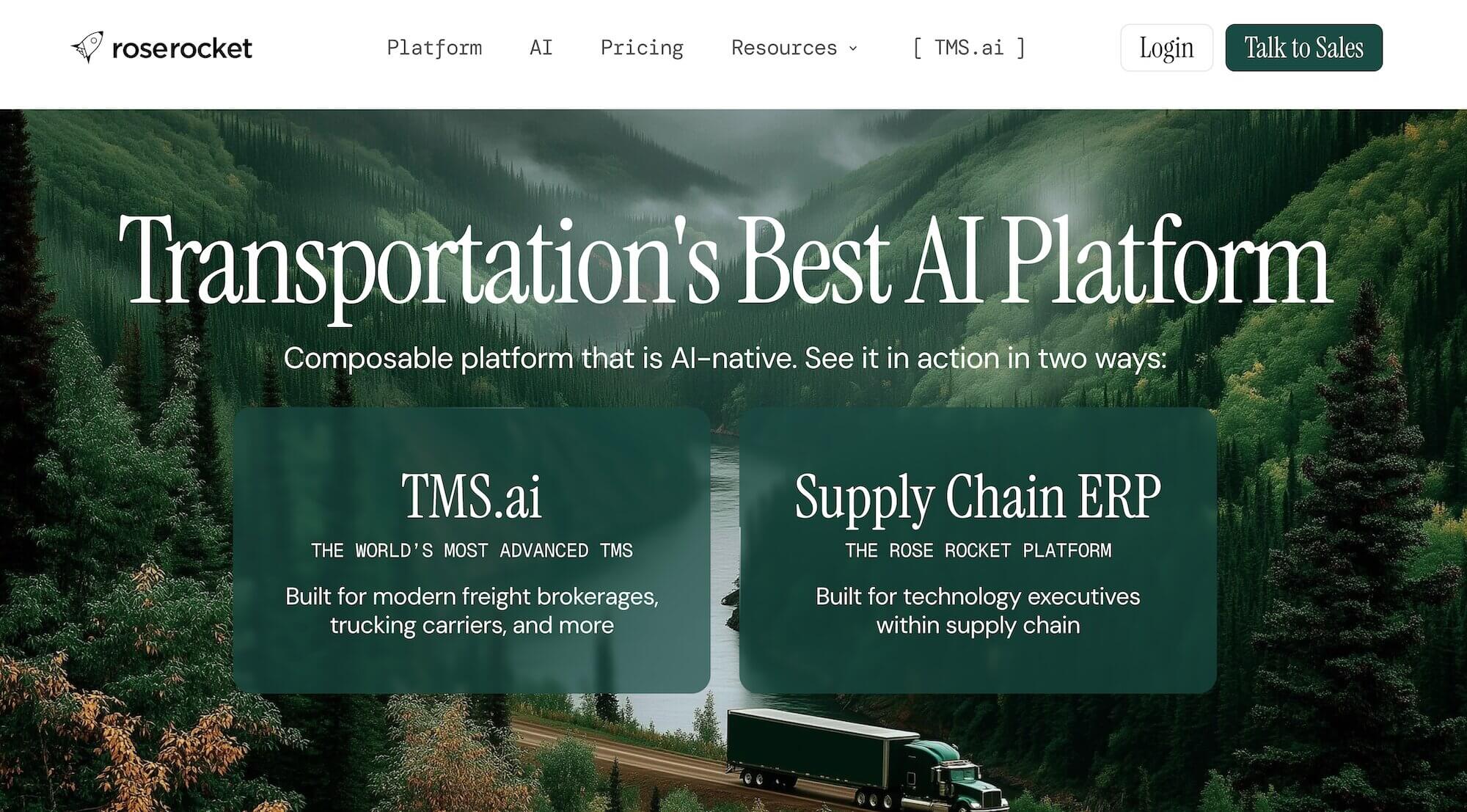
Rose Rocket is a modern freight management platform for carriers and brokers.
It’s a good fit for general freight operations that want something more flexible and easier to configure than a traditional legacy platform, with tools for carrier management, order entry, and dispatch. It isn’t purpose-built for bulk hauling, so you’d have to configure the platform around many bulk-specific processes.
Key features include:
- AI-assisted order management. TED, Rose Rocket’s email assistant, can turn incoming emails, PDFs, and images into orders and update those orders as new information comes in, cutting out manual workflows.
- A driver app for dispatch and document collection. Drivers receive load updates, share their location, communicate with dispatch, and upload paperwork from the road.
- Connections to the other systems a general freight carrier may already use. Rose Rocket has more than 20 pre-built integrations, including ELDs, accounting platforms, and load boards, along with APIs and EDI support for additional connections.
3. Freightview: A lightweight TMS for shippers managing LTL freight
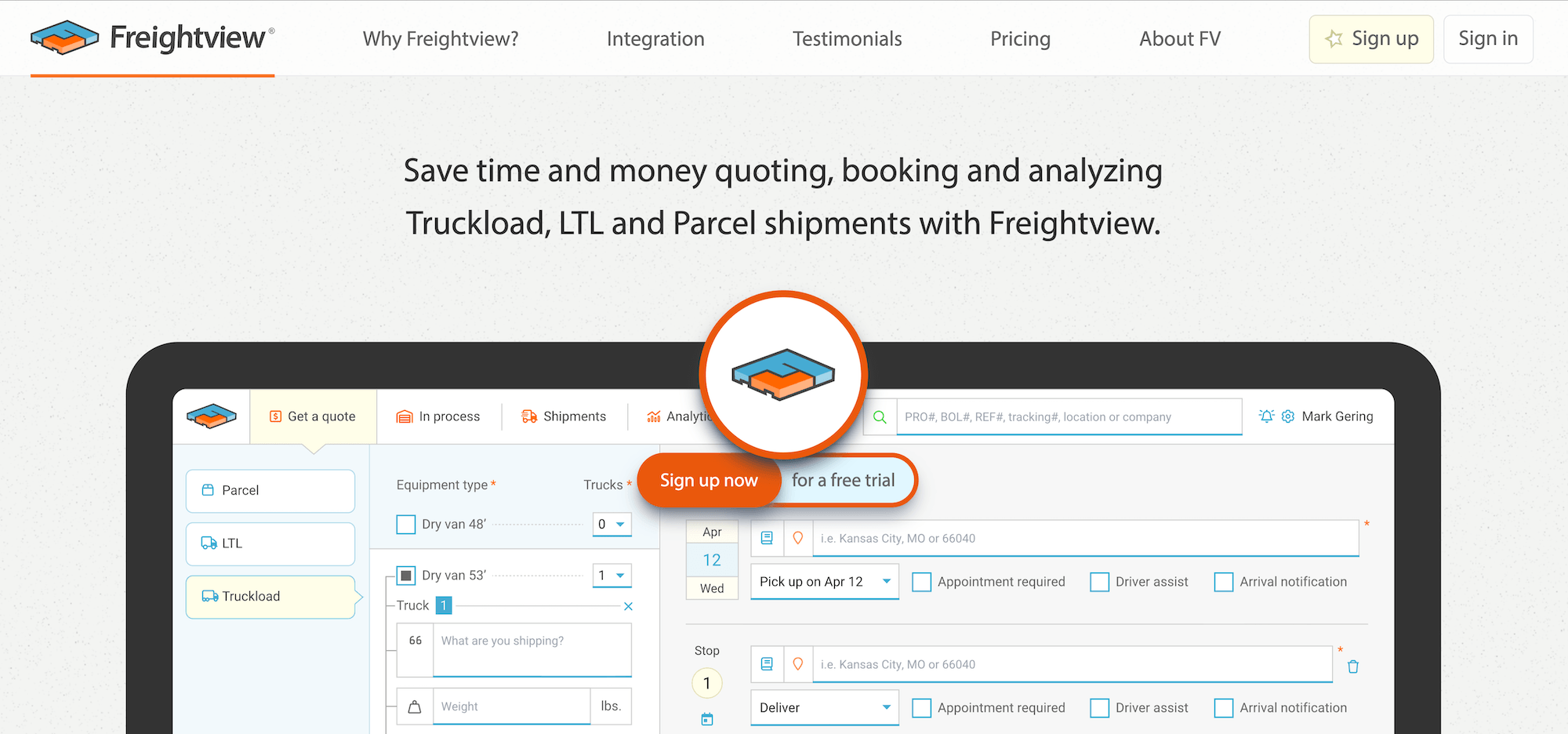
Freightview is a modern, lightweight TMS built for shippers managing less-than-truckload, truckload, and parcel freight. It’s a good fit for shippers that work with multiple LTL carriers and want a simpler way to compare rates, book freight, and track shipments.
Key features include:
- Compare carrier rates in one place. Freightview pulls your direct, spot, and contracted rates together so you can quickly see which carrier makes the most sense for each shipment.
- Built-in LTL shipping tools. You can generate BOLs and labels, get automated shipment tracking, retrieve documents, and run freight audits from the same platform.
- Shipping analytics. Freightview tracks freight spend, carrier performance, shipping trends, and other data through customizable dashboards.
4. Turvo: A cloud-based TMS for 3PLs and brokers

Turvo's cloud-native architecture centers its TMS around real-time visibility and collaboration between brokers, shippers, and carriers. That makes it a modern option for 3PLs that want to move away from slower, more fragmented legacy systems.
Key features include:
- Quick shipment setup. Brokers can create a shipment in as few as three clicks, compared with the often long, multi-step processes common in older TMS platforms.
- Built-in collaboration with customers and carriers. Shippers, carriers, and other partners can share shipment updates and information in Turvo instead of relying on separate emails, calls, and customer portals.
- A large integration network that helps speed up carrier selection through load board connections. Turvo connects with tracking providers, accounting systems, and other tools commonly used by brokers, with open APIs for additional connections.
5. Magaya: A TMS with an AI compliance agent for freight forwarders

Magaya is a transportation management system designed around the needs of freight forwarders and customs brokers, including international shipping, rate management, warehousing, and customs compliance. Freight-forwarding processes are built right into the platform.
Key features include:
- AI help with customs compliance. Magaya’s ACEbridge AI Compliance Agent answers filing and regulatory questions using official CBP sources and provides citations with its responses.
- Automated commercial invoice processing. Broker AI Assistant extracts shipment data from PDFs and spreadsheets, creates customs entries, and recommends HTS classification codes.
- Freight forwarding tools in one system. Magaya supports air, ocean, and ground shipments along with quoting, rate management, customs documentation, tracking, billing, and warehousing.
6. PCS Software: An enterprise TMS that connects to your existing tech stack
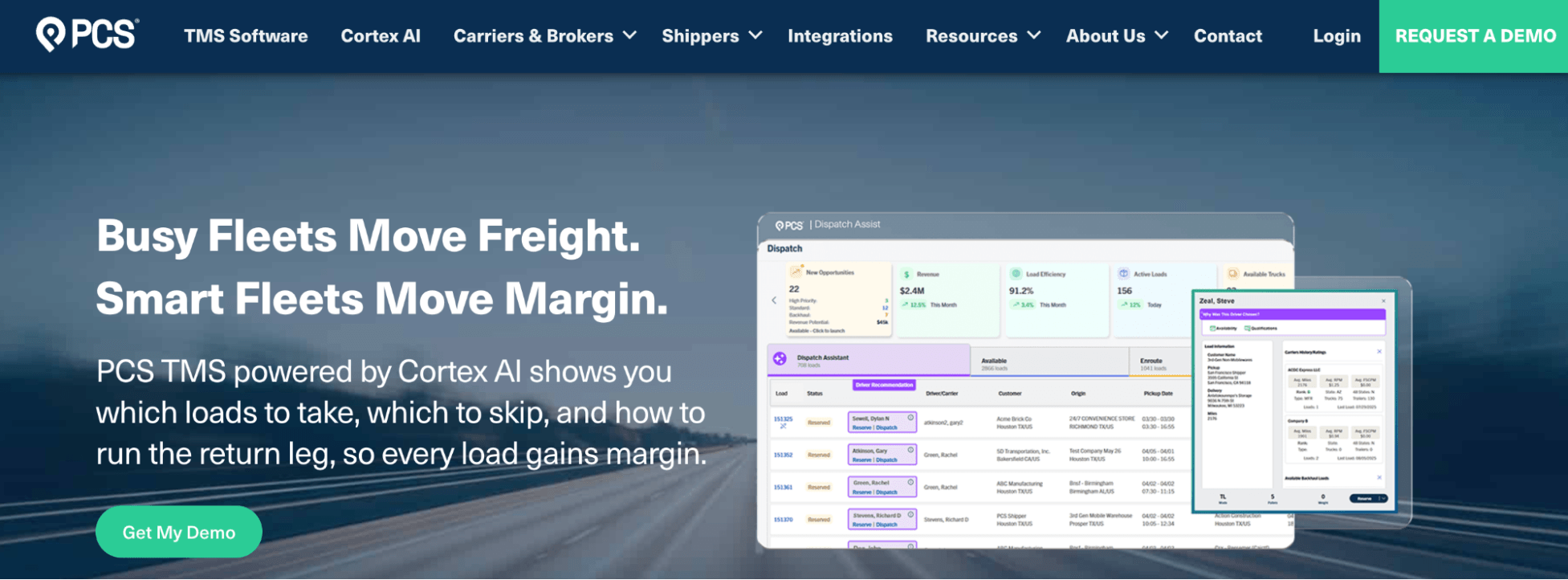
PCS Software is built for enterprise carriers that need broad TMS capabilities. It covers dispatch, accounting, settlements, and fleet management without the long implementation and dedicated IT resources that often come with a legacy enterprise TMS.
Key features include:
- More than 70 native integrations. PCS connects with systems like Samsara, ERP systems, Motive, DAT, Truckstop, ProMiles, and QuickBooks, reducing the amount of custom integration work needed to connect an existing tech stack.
- AI-assisted dispatch. PCS’s Cortex AI can rank loads, recommend drivers based on more than 36 data points, and surface backhaul opportunities for dispatchers.
- Less time spent configuring the system before launch. PCS typically gets carriers live in 60–90 days, while a heavily customized enterprise TMS can take six months to a year to configure, migrate, test, and roll out.
Choose Toro TMS for a modern platform built for bulk hauling
Choosing the right legacy TMS alternative boils down to finding software that fits the way your operation actually runs. For bulk haulers, that means choosing a platform built around high-volume loads, bulk-specific paperwork, and the way drivers and back-office teams handle that work every day.
Toro TMS was built specifically around those needs, so the core tools bulk haulers rely on are already part of the platform rather than something you have to customize around later.
With Toro TMS, you can:
- Give dispatchers a simple system for handling a full day of high-volume, repeat loads and making changes as schedules shift
- Keep dispatch, driver documents, billing, and driver pay connected to the same load data instead of configuring separate processes for each
- Get reporting built around the numbers that matter in bulk hauling, so you can make more informed pricing and operating decisions.
- Get your team up and running quickly with in-person implementation and training built around your bulk hauling workflow.
Schedule a demo with Toro TMS, and we'll show you how a modern platform built specifically for bulk hauling can work for your operation.