.png)


Knowing where your trucks are at any given moment is one of the most basic requirements of running a hauling operation.
But getting real-time visibility is still something many carriers struggle with. Often, they manage it using phone calls, driver texts, and trucking management software (TMS). But this jumble of tools—including many of the most advanced TMSs—doesn't actually show what's happening on the road.
Most TMSs handle dispatch, load assignments, invoicing, driver pay, and reporting, but they don't track your vehicles. As a result, haulers end up using a standalone GPS or telematics tool on top of their TMS, which means dispatchers have to switch between systems just to see where a truck is and estimate a load's ETA for the customer.
That's why trucking tracking software worth investing in should also:
- Connect live truck location data directly to your dispatch board, so dispatchers can see where every truck is, what load they're on, and when they'll be available next.
- Allow dispatchers to send load assignments and collect driver documentation digitally, so the entire organization can access scale tickets or BOLs without waiting for manual submissions.
- Integrate directly with your ELDs to automatically capture mileage, hours of service, and driver activity as it happens.
- Alert your team to problems in real time, such as off-route movement, extended idle time, and unexpected on-site wait times that could trigger detention, so dispatchers can respond before a delivery window is missed.
- Automatically feed mileage and trip data into IFTA reporting, driver settlements, and customer invoices, so back-office teams never need to re-enter the same load details again.
In this article, we'll explain exactly how Toro TMS supports truck tracking by giving dispatch a live view of their fleet that connects load assignments, driver communication, documentation, and back-office reporting.
We'll also review six additional trucking tracking tools used across different fleet types and operations so you can see what other solutions are available.
Book a demo to see how Toro TMS handles truck tracking, dispatch, and back-office work in one centralized system.
1. Toro TMS: Best trucking tracking software for bulk and specialized haulers

Toro TMS provides bulk-hauling companies and specialized fleets with a more reliable way to track their trucks while keeping dispatch, drivers, and back-office teams connected in a single system.
Most trucking tracking software focuses on vehicle location, without connecting that info to other key data. Dispatchers can see a truck's location on a map, but they still have to switch between systems to determine which load they're hauling, whether that load has been delivered, when the driver will finish the job, and which truck is available for the next assignment.
Toro TMS connects real-time truck tracking directly to dispatch and load management, so location data automatically flows through the rest of your operation. Thanks to Toro’s integration with ELD software, you can view truck location, load status, and driver availability all in one place.
Below, we share how Toro TMS supports truck tracking, allowing you to:
- Monitor truck location and load status in real time through integrated ELD data
- Create repeat loads quickly using reusable job templates for your most common routes and deliveries
- Eliminate manual driver updates by sending assignments and collecting driver documentation via text
- Reduce repeat data entry and automate invoicing, driver pay, and mileage calculations
- Generate detailed reports on detention, fleet utilization, deadhead miles, driver productivity, and route profitability
Read more: Truck driver management system: 6 tools for better scheduling & communication
Monitor truck locations, driver ETAs, and load status in real time from a centralized dispatch screen

Managing a trucking fleet usually means dispatchers have to coordinate dozens of moving pieces throughout the day. That includes jobs finishing early, drivers getting delayed at job sites, and unexpected changes to delivery schedules that require trucks to be reassigned quickly.
Without a clear view of fleet activity, dispatchers are forced to manually check in with drivers for status updates to predict ETAs for customers.
Toro TMS integrates directly with your trucks' ELDs to pull live location data into the same screen that dispatchers already use to manage loads and driver assignments. This gives your team a clearer view of truck locations and driver ETAs in one place.

Toro's dispatch dashboard allows teams to:
- View truck locations and driver availability in real time. Driver locations and load statuses update automatically with ELD and GPS integrations. This helps dispatchers assign new loads accurately using a drag-and-drop interface.
- Create repeat loads quickly using reusable job templates. For recurring customers or routes, dispatchers can build a load once and reuse it whenever that same job comes up again. Aggregate haulers, for example, run dozens of repeat loads throughout the week without having to build each one from scratch. Once scheduled, the assigned truck, driver ETA, and load progress are automatically tracked without re-entering the same information.
- See load status at a glance across the entire operation. Toro's dashboard lets dispatchers quickly see which trucks are en route, on-site, delayed, or available for the next assignment. For bulk haulers running 10 to 15 loads per truck per day, this means the next job gets assigned right when a driver finishes a stop, rather than 20 minutes later when they finally check in.
- Track and record driver detention and downtime as it occurs. When drivers get stuck waiting at a loading or unloading site, that time gets logged in Toro through integrated location tracking. Teams can see exactly when a truck arrived, how long it has been on-site, and when detention thresholds are crossed, without waiting for a driver to call in or submit a ticket at the end of the day.

Our platform is built to fit how dispatchers actually manage daily trucking operations. Load details are entered once and flow automatically downstream to back-office teams, eliminating the need for repeat data entry and cutting your time spent on back-office work by up to 70%. This helps teams work faster and provides full visibility into driver locations, load statuses, and order history across the organization.
Read more: How to choose a dispatch software for trucking your teams will actually use
Reduce the number of check-in calls by sending new loads and collecting driver documentation via text
Dispatchers often rely on phone calls to stay updated on what’s happening in the field. That requires drivers to call in with updates—confirming load details, asking for directions, or reporting delays or completed deliveries. For a bulk hauler managing 10 to 15 loads per truck per day, that adds up to hours of avoidable communication.
It's common for many trucking companies to switch to a TMS to handle this, but most trucking software providers address this through mobile apps or online portals. This means drivers have to download something, create a login, and learn a new interface on top of everything else they're already managing on the road.
On the other hand, Toro takes a simpler approach by allowing dispatchers to send load assignments directly to drivers by text message. Drivers receive job details instantly without downloading an app or logging into a separate system, making the software easy to use for both dispatchers and drivers.

When a load is assigned or updated, the driver receives a text with everything they need to complete the job, including:
- Pickup and delivery locations
- Load details such as material type, commodity, quantities, and any special handling requirements
- Equipment instructions, including equipment type or job-specific weight limits
- Delivery time windows and check-in procedures for each stop
- Customer-specific notes, such as unloading expectations or on-site contact information
Each message also includes a secure link that drivers can use to upload documentation from the field. Drivers tap the link, snap a photo of the scale ticket, BOL, or delivery confirmation, and send it directly to the back office. For a bulk carrier collecting tickets across 10 or more loads per truck per day, documentation comes in as work is completed rather than arriving in a stack at the end of the shift.

Once submitted, those documents are automatically attached to the correct load inside Toro. Dispatchers can see updates as deliveries happen, and accounting teams have immediate access to the information they need for invoicing, payroll, and IFTA reporting.
Read more: Trucking ticket management software: How to better manage your paper tickets
Automate invoicing, driver pay, and mileage calculations with tracking data and cut back-office work by up to 70%
For many trucking companies, dispatch and back-office work are disconnected. But if you're handling dispatch manually, then load details may be written on dispatch sheets or texted to drivers during the day, and accounting teams later have to rebuild that information from scale tickets and BOLs just to generate invoices or calculate payroll.
When fleets run multiple loads per truck each day, this process quickly becomes too time-consuming. Office staff end up spending hours matching paperwork to specific loads, verifying quantities, and entering the same information into billing and payroll systems.
Toro eliminates much of this manual work by connecting ELD-sourced tracking data directly to your billing and payroll workflows.

With Toro, bulk haulers can:
- Generate invoices directly from completed loads. When a driver finishes a delivery and submits documentation like a scale ticket or delivery confirmation, Toro already has the customer details, quantities, and billing rates tied to that job.
- Calculate driver pay instantly from completed load data. Once a job is finished and the driver submits their ticket, Toro calculates pay based on each driver's compensation structure — per load, per ton, hourly, or a combination. All of these details are stored in driver profiles in Toro, and the system also accounts for wait times, mileage, fuel costs, and other expenses.

- Automatically track mileage and driver hours for IFTA reporting and compliance. Toro captures every mile driven via ELD integration as trucks operate, providing your team with accurate, job-level mileage data for fuel tax reporting without maintaining separate logs or relying on driver-reported figures.
- Sync financial data to QuickBooks with a single click. Invoices, driver settlements, and IFTA data can be exported directly to QuickBooks Online or Desktop. This keeps accounting records accurate without re-entering information that's already in the system.
Read more: Trucking payroll software: 5 options for effortless driver pay
Get a live view of fleet utilization and driver productivity over time with advanced reporting tools

For bulk and specialized haulers, profitability often comes down to details that are hard to see without the right data. That includes how many loads each truck is completing per day, how much time drivers are spending on-site versus on the road, which routes are generating the most revenue, and where deadhead miles are cutting into margins.
When that information isn't visible, or it's being pulled together manually after the fact, it's difficult to make informed decisions about how to run the fleet more efficiently.
Toro’s reporting reveals key insights you might otherwise miss because data updates in real time as jobs are completed.
With Toro, you can:
- Track route and lane profitability using real load data. Analyze revenue, costs, and margins by specific loads, customers, or material types to see exactly which work is driving the most profit.

- Measure driver performance and productivity based on completed loads and job time. Compare how long drivers spend on each load and identify situations where certain routes or job sites consistently reduce the number of deliveries a driver can complete.
- Identify and reduce deadhead miles with automated mileage tracking. Toro captures every mile driven through ELD integration, including miles run without a load. Teams can see which trucks are regularly moving without revenue and adjust routing and scheduling to be more efficient.
- Get a real-time financial summary of the entire operation. Review revenue by customer, route, or load type without waiting for end-of-month reports. Toro's financial reporting pulls from live operational data, so managers can check the health of their trucking business at any point and make adjustments as needed.
Get your team up and running quickly with in-person onboarding and dedicated support

Implementing new trucking software can be difficult for fleets, especially when they are managing tight schedules and high daily load volumes. Many providers offer self-service onboarding where teams receive only login credentials or video tutorials to learn how to adopt the software on their own.
This is problematic for dispatch-heavy fleet operations because if dispatchers and drivers aren’t confident using the platform, they’re more likely to abandon it and revert back to manual processes.
Toro takes a more hands-on approach. Our team works directly with customers during onboarding to configure the system around their existing workflows and dispatch processes.
During implementation, Toro specialists work with dispatchers, drivers, accounting teams, and managers to walk through real operational scenarios, including creating loads, assigning drivers, capturing delivery documentation, and generating invoices. Each team member is trained on the tasks they perform every day so they can begin using the platform with confidence.
Ongoing support is also available whenever questions come up. Toro’s customer support team is available from 9 a.m. to 9 p.m. ET, and most requests receive a response within 30 minutes.
If you're looking for truck tracking that connects directly to dispatch, driver communication, and back-office reporting, book a demo with Toro to see how it works.
6 additional truck tracking software solutions
If Toro TMS isn't the right fit for your operation, there are other trucking tracking tools worth considering. Below are six platforms designed for different fleet types and levels of back-office integration.
1. Geotab
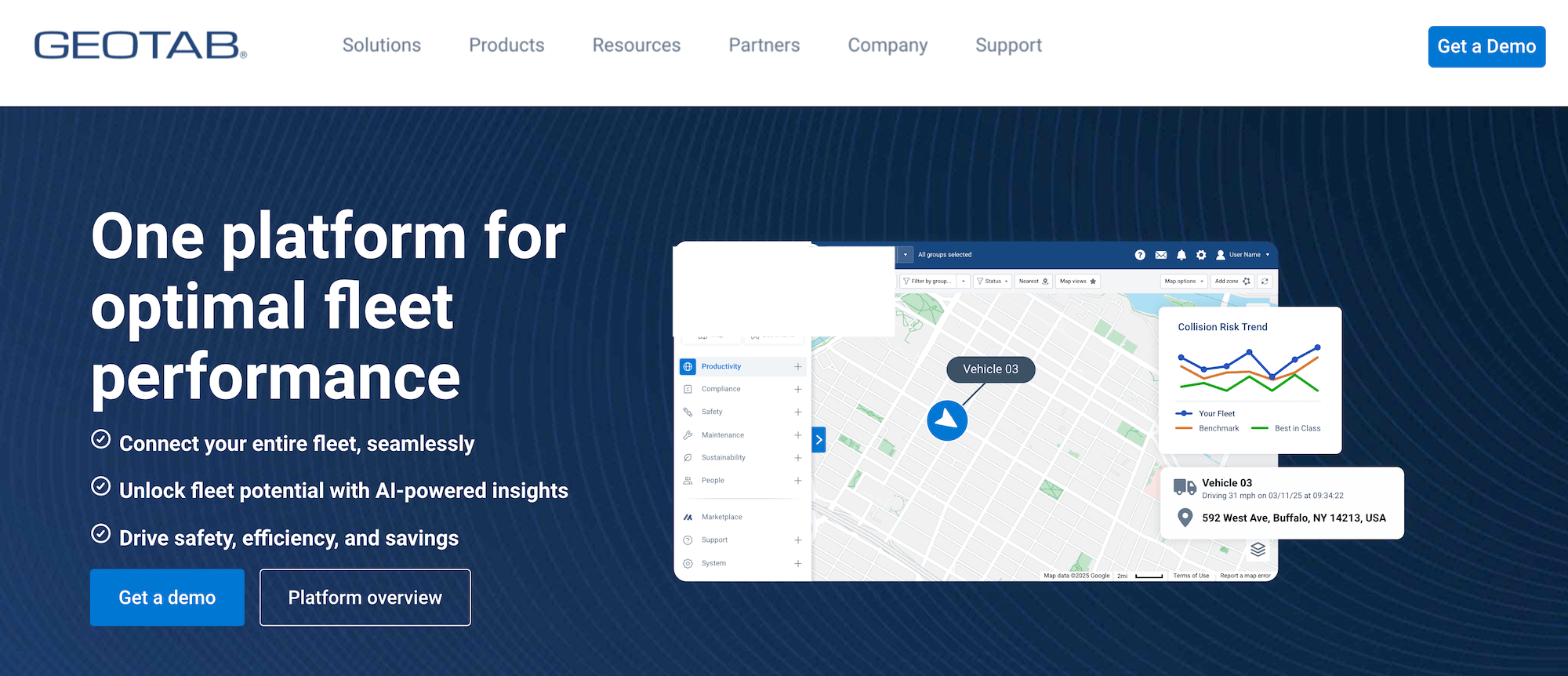
Geotab is a commercial fleet telematics provider that offers companies complete visibility over their vehicles' movements, engine health, fuel consumption, and more. All users can access over 200 third-party add-ons from its Marketplace.
Geotab also includes cargo tracking, so shipments can be monitored alongside trucks. That said, it doesn't include dispatch, invoicing, or other back-office functionality. This makes it a better tool to work alongside a TMS rather than replacing one entirely.
Key features include:
- Real-time GPS tracking through the GO device, with near-live location updates and complete trip history
- Engine diagnostics and maintenance scheduling tied to vehicle health data
- Driver behavior monitoring with in-cab coaching, harsh event detection, and safety scorecards
- Open platform with APIs and SDK for custom integrations
Read more: Dump truck software: 5 top choices for specialist software
2. Samsara
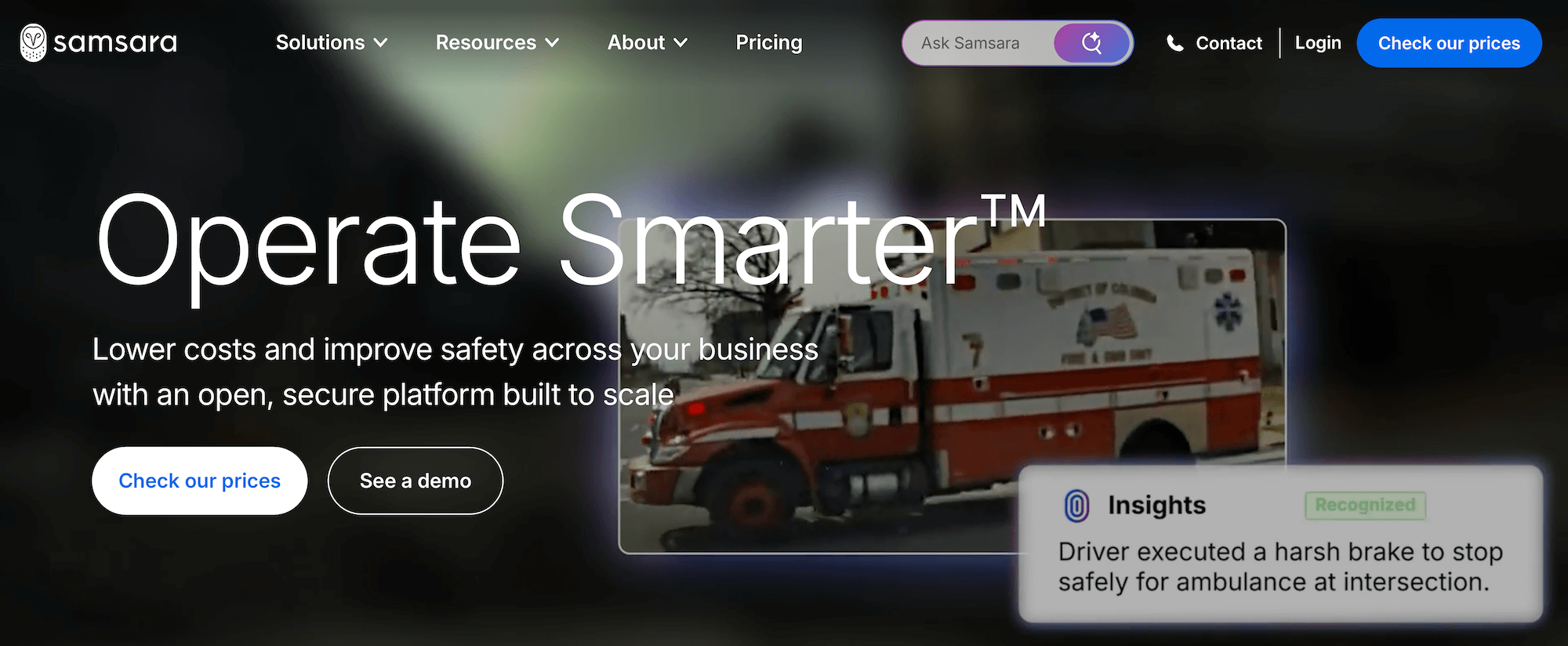
Samsara is a fleet telematics platform with GPS tracking, ELD compliance, AI-powered dash cams, and asset tracking. It's suitable for mid-to-large fleets thanks to its tracking refresh rate, which updates location data every second.
The platform's route optimization tool also factors in traffic patterns and average time spent at each stop, improving scheduling efficiency on multi-stop routes.
Key features include:
- Real-time GPS tracking with second-by-second location updates
- AI-powered dash cams with automatic incident detection
- Route optimization using traffic patterns and site dwell time
- Continuous temperature logging for FMCSA compliance
- Dedicated driver, fleet, and site apps with connected training and coaching
3. Motive
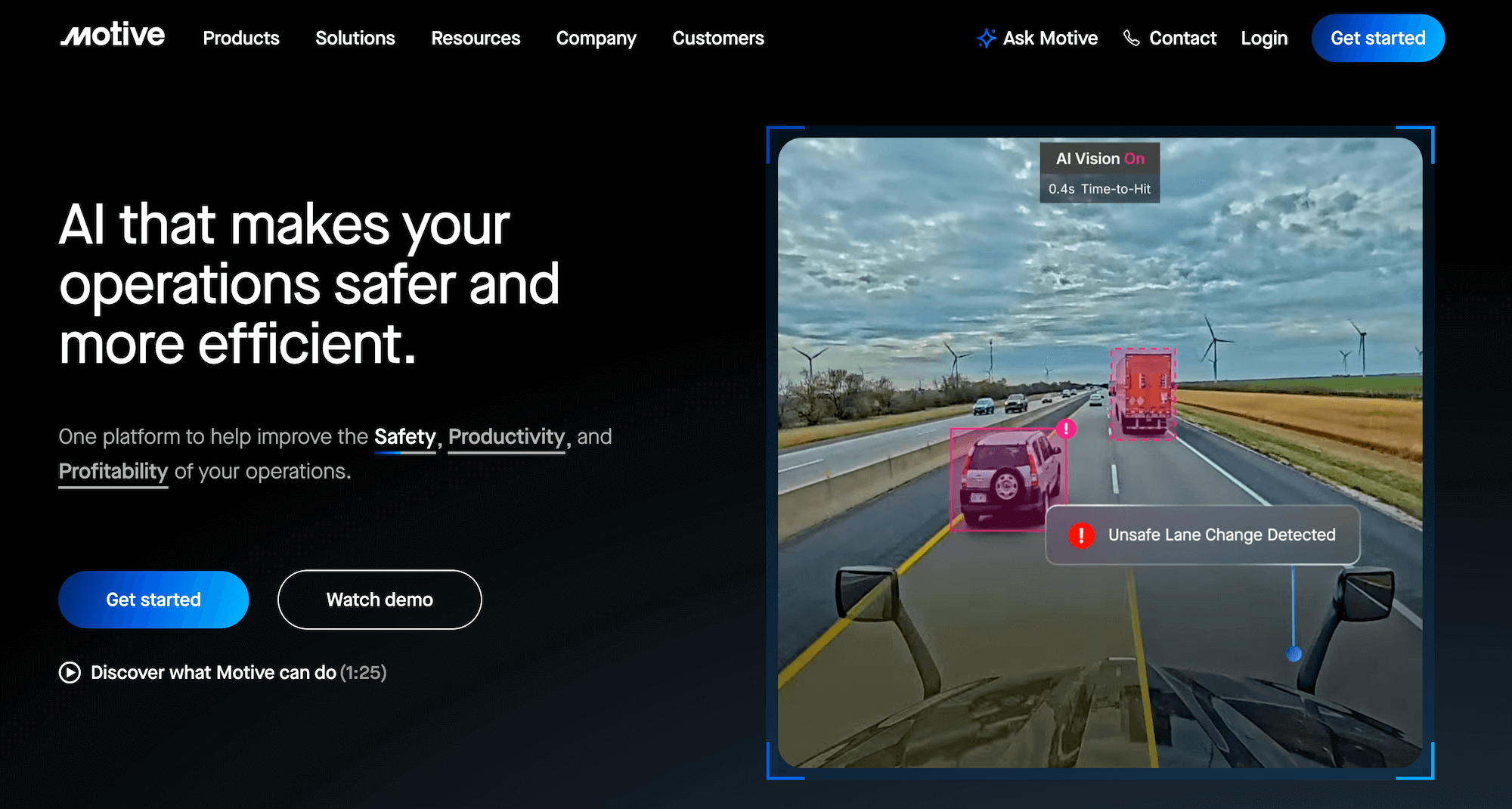
Motive is a cloud-based fleet management platform that offers GPS tracking, ELD compliance, AI-powered dash cams, and driver safety. Its integrated Motive Card connects fuel spend directly to vehicle location data while using AI to flag and decline suspicious transactions in real time.
The platform also lets teams manage driver qualifications, time tracking, and coaching through its Workforce Management module. But like many telematics tools, it doesn't handle dispatching end-to-end.
Key features include:
- Real-time GPS tracking with 1 to 3-second location updates
- AI-powered dash cams with in-cab coaching and incident detection
- Motive Card with AI fraud detection and automated IFTA fuel data sync
- Fuel management with spend tracking tied directly to vehicle and route data
- Integrated timecards for tracking driver hours
Read more: Agriculture fleet management software: 6 best tools for bulk agricultural hauling
4. Verizon Connect

Verizon Connect is an enterprise fleet management platform. Their Reveal software consolidates GPS tracking, ELD compliance, video telematics, and asset monitoring into a single system.
It offers extensive video and safety capabilities, which includes Extended View Cameras that deliver near-360-degree visibility with rear, side, and cargo camera options. It's a preferred platform for fleets where liability exposure and driver safety documentation are priorities. Smaller fleets will likely find the system to be too expensive or complicated for their operation.
Key features include:
- Real-time GPS tracking through the Reveal platform
- Live map views, geofencing, and route replay
- Extended View Camera system with near-360-degree coverage
- Asset tracking for active trucks, trailers, heavy equipment, and non-powered assets
- Maintenance scheduling with engine diagnostic and vehicle health tracking
5. One Step GPS

One Step GPS is a GPS fleet-tracking tool for small- and mid-size fleets. It offers a range of hardware options depending on how your trucks are set up, including a plug-in tracker, a hardwired tracker, an AI-powered dash cam, and more.
These hardware solutions integrate into the platform's fleet tracking software, along with additional ELD and IFTA compliance tools. But there are no dispatching capabilities, so additional tools are needed if you’re looking for route optimization or scheduling.
Key features include:
- Real-time GPS tracking with live map views and location history
- Asset tracking for trailers, equipment, and non-powered assets
- ELD compliance and automated IFTA reporting
- Geofencing and notifications for arrivals, departures, and after-hours movement
6. Linxup
Linxup is a lightweight GPS tracking platform designed for very small fleets and owner-operators. It offers basic vehicle visibility at a low cost for teams who don't want to commit to a full fleet management solution.
The Linxup dashcams can easily integrate with 4G LTE connectivity and AI incident detection, but the platform doesn't connect to trucking dispatch or accounting. Instead, you'll need multiple systems to manage all trucking tasks.
Key features include:
- Real-time GPS tracking with live location updates and trip history
- Geofencing alerts for arrivals, departures, and boundary crossings
- Basic driver behavior reporting, including speed events and idling
- Maintenance tracking with mileage-based service reminders
- Mobile app for location monitoring on the go
Toro TMS: The best trucking tracking software for bulk haulers
The best trucking tracking software can do more than show you where your trucks are. For bulk and specialized haulers, that means connecting live location data directly to dispatch, driver communication, and back-office workflows to improve operational efficiency across the board.
Toro TMS brings truck tracking, load management, driver communication, and back-office reporting into a single, connected system so nothing is missed and information doesn’t have to be re-entered.
With Toro TMS, you can:
- Monitor the live location of every truck in the fleet directly from the dispatch screen through ELD and GPS integrations
- Create and assign repeat loads in seconds using reusable job templates
- Improve route planning with real-time scheduling and a user-friendly dispatch interface
- Send load details to drivers by text and collect scale tickets, BOLs, and delivery confirmations digitally
- Automatically calculate driver pay, generate customer invoices, and track mileage for IFTA reporting
- Generate advanced reports on fleet utilization, deadhead miles, driver productivity, and route profitability using real operational data
Ready to see how Toro TMS streamlines truck tracking, dispatch, and back-office work in one place? Book a demo today.